27
7 Gallery������������������������������������
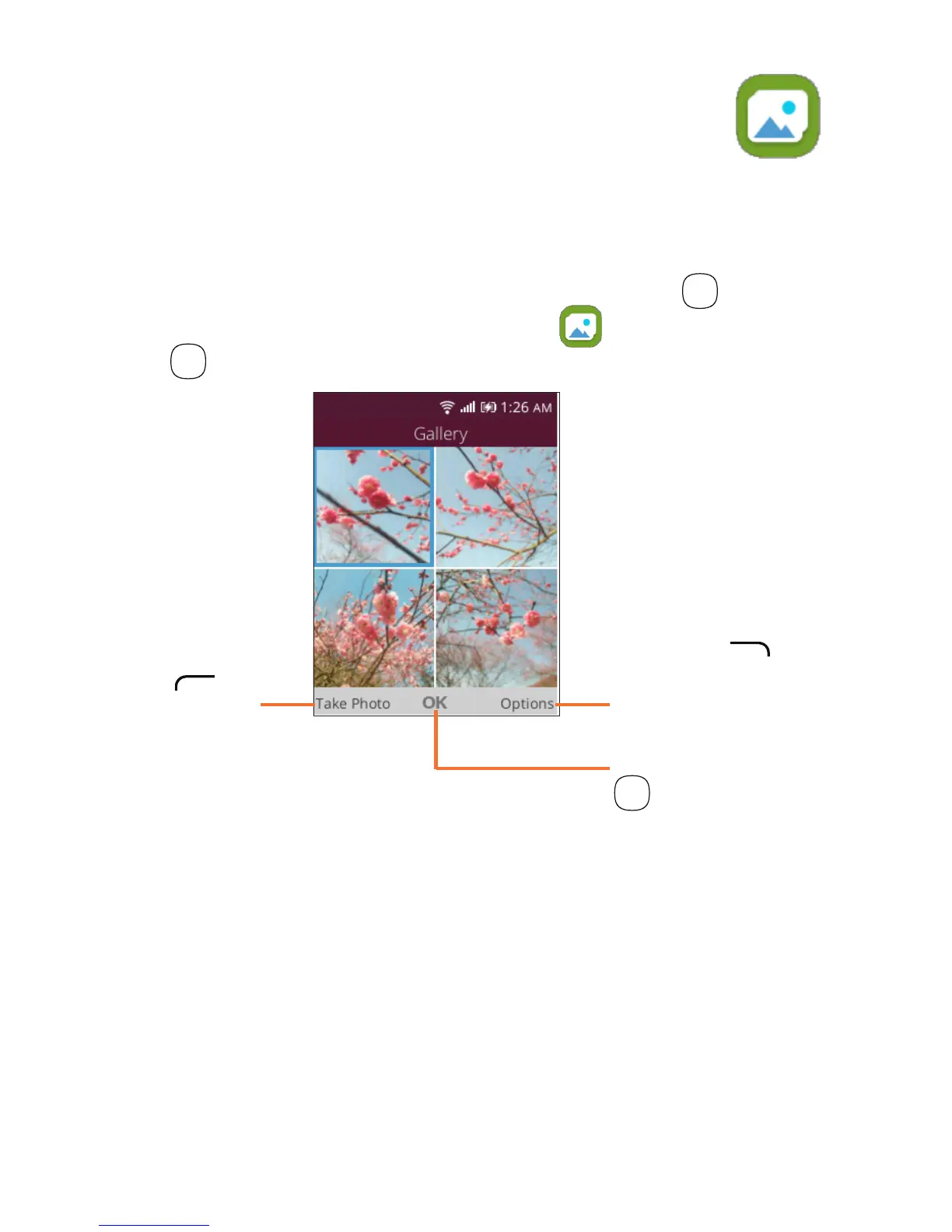
The Gallery app provides you with one location to view and
organize all your saved photos. The Gallery
app also offers
additional photo options.
To access the Gallery app, press the OK key
OK
from the
Home screen, select the Gallery app and press the OK
key
OK
.
Press the
Left Menu
key
to take
photo.
Press the Right
Menu key
to access more
options.
Press the OK key
OK
to view the
selected photo.













 To Next Page