36
Enter the numbers using the keypad. Select
the mathematical operation to be performed using
the Navigation key , follow the onscreen guide
for each navigation direction and the corresponding
mathematical operation. Press the OK key OK to select
equals = and get results.
14 FM Radio�������������������������������
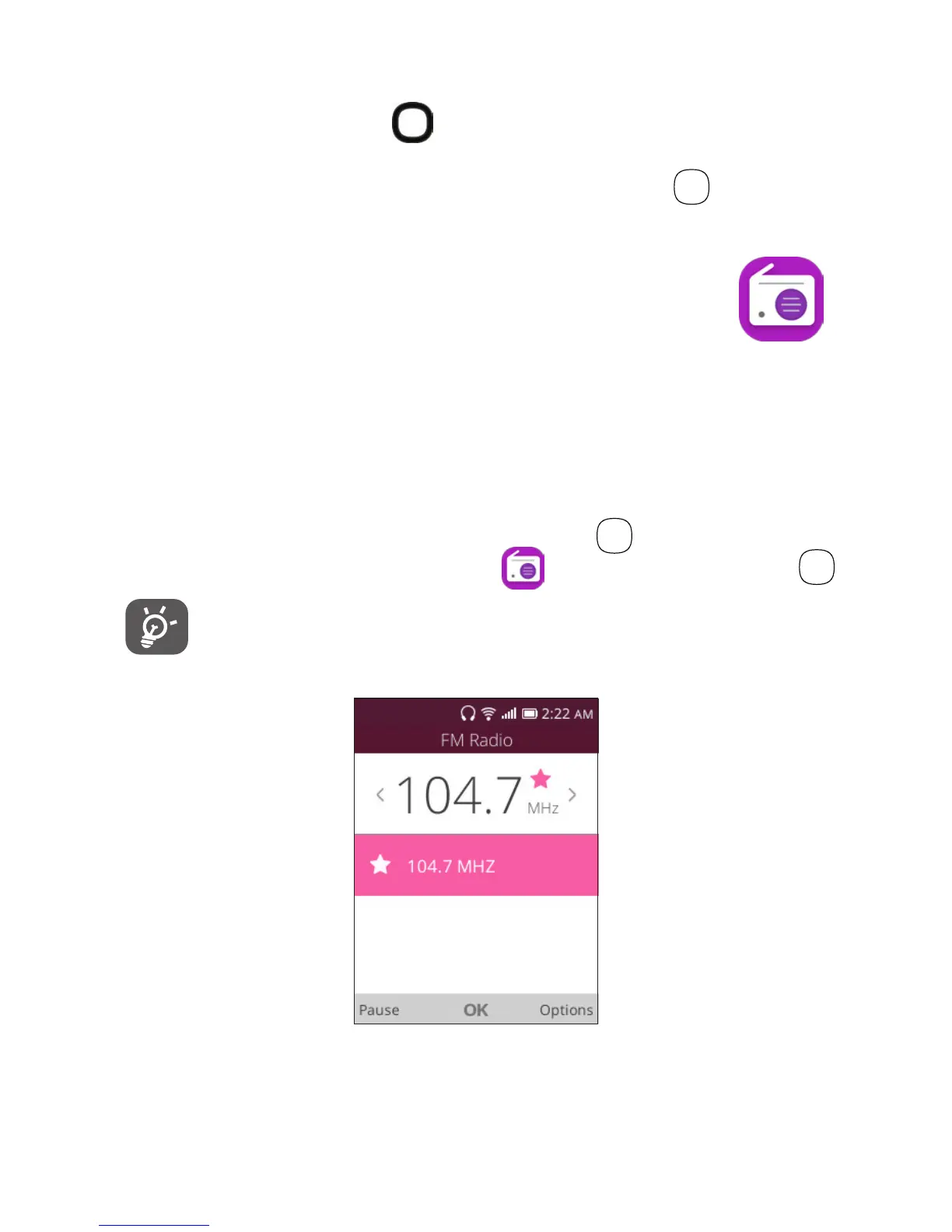
Your phone is equipped with a radio
(1)
with RDS
(2)
functionality.
You can use the application as a traditional radio with saved
channels or with parallel visual information related to the
radio program on the display, if you tune to stations that
offer Visual Radio service.
To access this app, press the OK
key
OK
from the Home
screen, select the FM Radio app and press the OK key
OK
.
To use this feature, you must plug in a wired
headset, sold separately, into the phone. The
headset works as an antenna for your phone.
(1)
The quality of the radio depends on the coverage of the radio station in that
particular area.
(2)
Depending on your network operator and market.













 To Next Page