19
When finished editing, press the Right Menu key to save.
To cancel edit mode, press Left Menu key
to cancel and
exit.
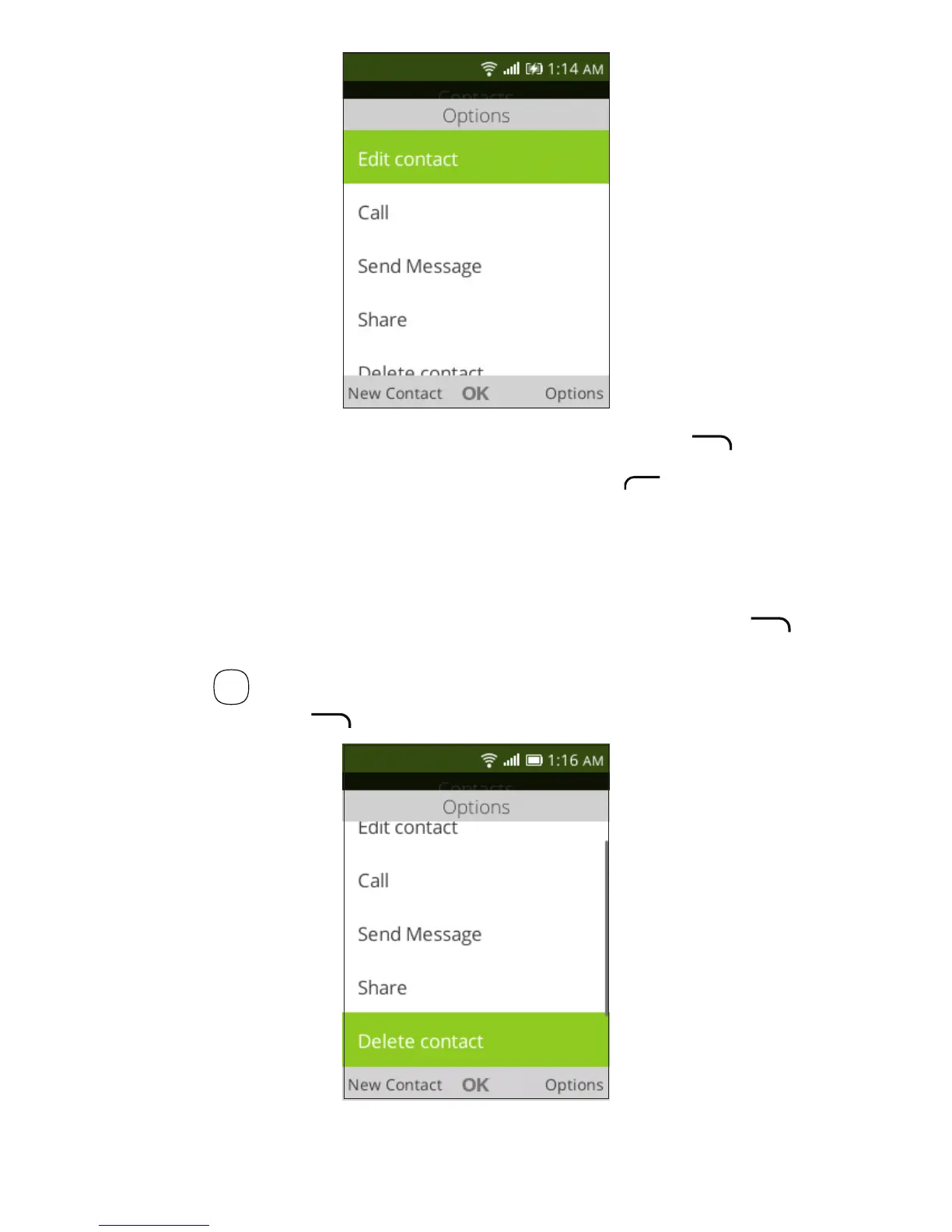
3�4 Deleting a contact
In contacts list screen, press the Right Menu key to
access Options, then select Delete contact, and press the
OK key
OK
. A confirmation page will be displayed, press the
Right Menu key to delete.













 To Next Page