9
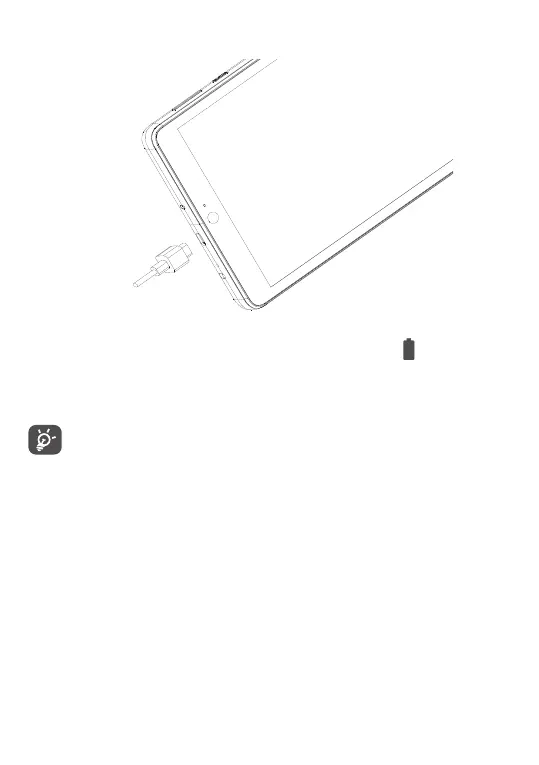
Charging the battery
You are advised to fully charge the battery ( ). Charging
status is indicated by a percentage displayed on screen.
The percentage increases as the tablet is charged.
To reduce power consumption and energy waste
when the battery is fully charged, disconnect your
charger from the tablet; switch off Wi-Fi, GPS,
Bluetooth or background-running applications
when not in use; reduce the backlight time, etc.
1.2.2 Powering on your tablet
Hold down the Power key until the tablet powers on,
unlock your tablet (Swipe, PIN, Password or Pattern) if
necessary and confirm. The Home screen is displayed.



 To Next Page