17
Touch the selected widget and slide it to move to your
preferred screen.
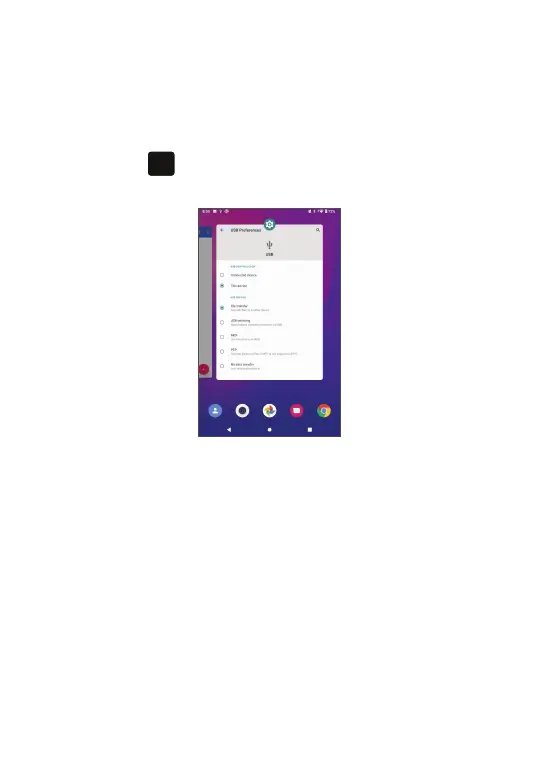
Consult recently used applications
To consult recently used applications, touch the Recent
Apps button
. Touch a thumbnail in the window to
open the application.
Touch one thumbnail and slide it up to close an
application.
Slide the screen left or right to view all running
applications. Touch Clear all to the left of the final
screen to close all of them.



 To Next Page