14
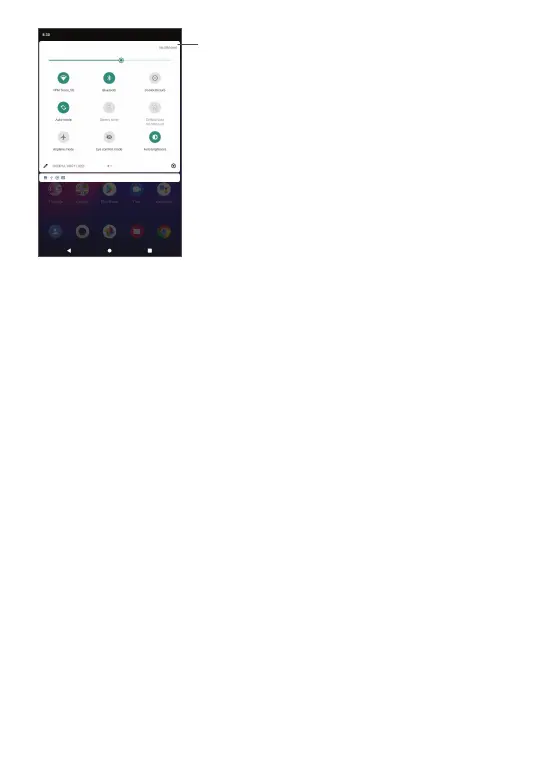
Open Settings, to view the full list
of settings.
1.3.3 Locking and unlocking your screen
To protect your tablet and privacy, you can lock the
tablet with a pattern, PIN, or password, etc.
To create a screen unlock pattern
• Swipe up the Home screen, and then touch Settings
> Security > Screen lock.
• Set your own pattern.
To lock tablet screen
If your tablet remains inactive for a period of time,
it will automatically lock the screen and enter sleep
mode to save power. Go to Settings > Display > Screen
timeout and select a screen timeout period. You can
also manually lock the screen by pressing the Power
key once.



 To Next Page