24
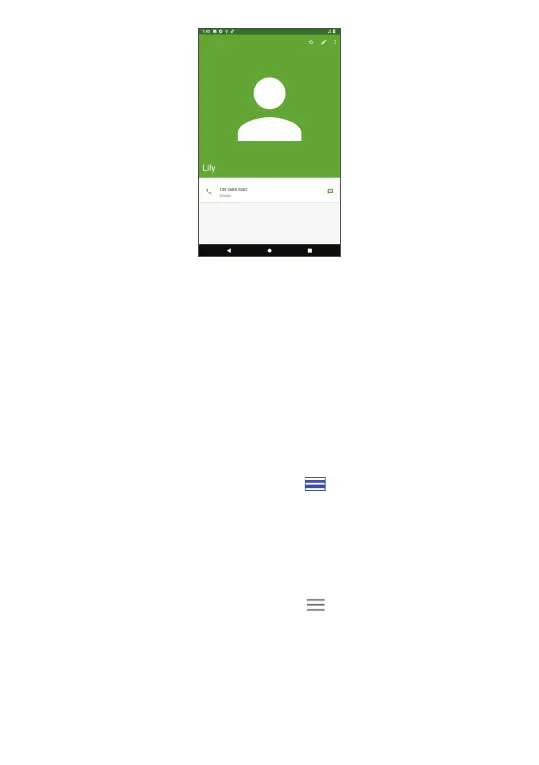
The icons available on the Quick contact panel depend
on the information you have for the contact and the
applications and accounts on your tablet.
3.3 Importing, exporting & sharing
contacts
To import contacts:
From the Contacts screen, tap
to open the options
menu. tap Settings > Import, then select import contacts
from SD card, or .vcf file from internal storage.
To export and share contacts:
From the Contacts screen, tap
to open the options
menu. Touch Settings > export, then select export to
.vcf file to export contacts to your tablet. or select Share
all contacts to share the contact's vCard via Bluetooth,



 To Next Page