37
Working with pictures
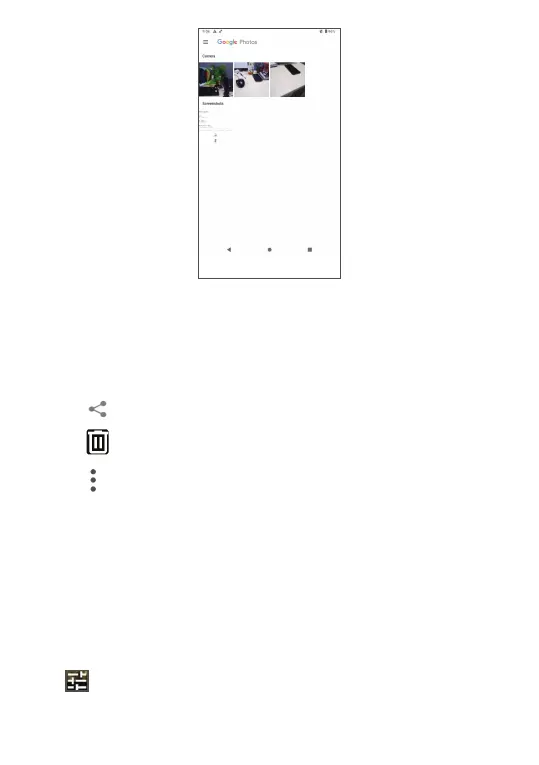
Find the picture you want to work on and touch the
picture to enter the full-screen picture view.
Touch
to share the picture.
Touch
to move to trash.
Touch
the following operation are available:
• Slideshow to view all pictures in full screen.
• Use as to set the picture as Contact photo or
Wallpaper.
• Print to print picture.
• Delete from device to permanently delete picture.
Tap
to edit the picture or video.



 To Next Page