• The infusion rate is retained in memory.
Note If UP or DOWN is pressed without stopping the pump, an alarm
will sound and the pump will continue running and there will be no change
in infusion rate.
SET INFUSION RATE
• Press UP or DOWN
SET DOSE LIMIT
• Press green ON
button. Alarm sounds briefly and displays flash all 8's.
until desired infusion rate is displayed.
• To set dose limit, press SET , then press UP or DOWN until
desired dose is displayed.
Note If dose limit is not set (display = 0), the pump will run until container is
empty or pump is stopped.
• Open roller clamp, press RUN/STOP to begin feeding.
Programming The Pump
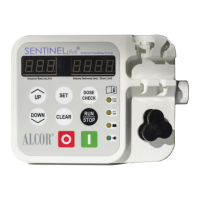
REFER TO OPERATION MANUAL FOR DETAILED INSTRUCTION
SEE ALSO DIRECTIONS FOR USE ON SIDE OF PUMP
TURNING PUMP ON
• To change infusion rate, press RUN/STOP to stop the pump.
• Press UP
or DOWN
to make necessary adjustment.
• Press RUN/STOP to resume.
BEGIN FEEDING
CHANGING THE INFUSION RATE


 To Next Page