Quick Reference
SET INFUSION RATE (LEFT DISPLAY)
SET DOSE LIMIT (RIGHT DISPLAY)
ADJUST THE INFUSION RATE
(LEFT DISPLAY)
CHECK TOTAL ACCUMLATED VOLUME
(RIGHT DISPLAY)
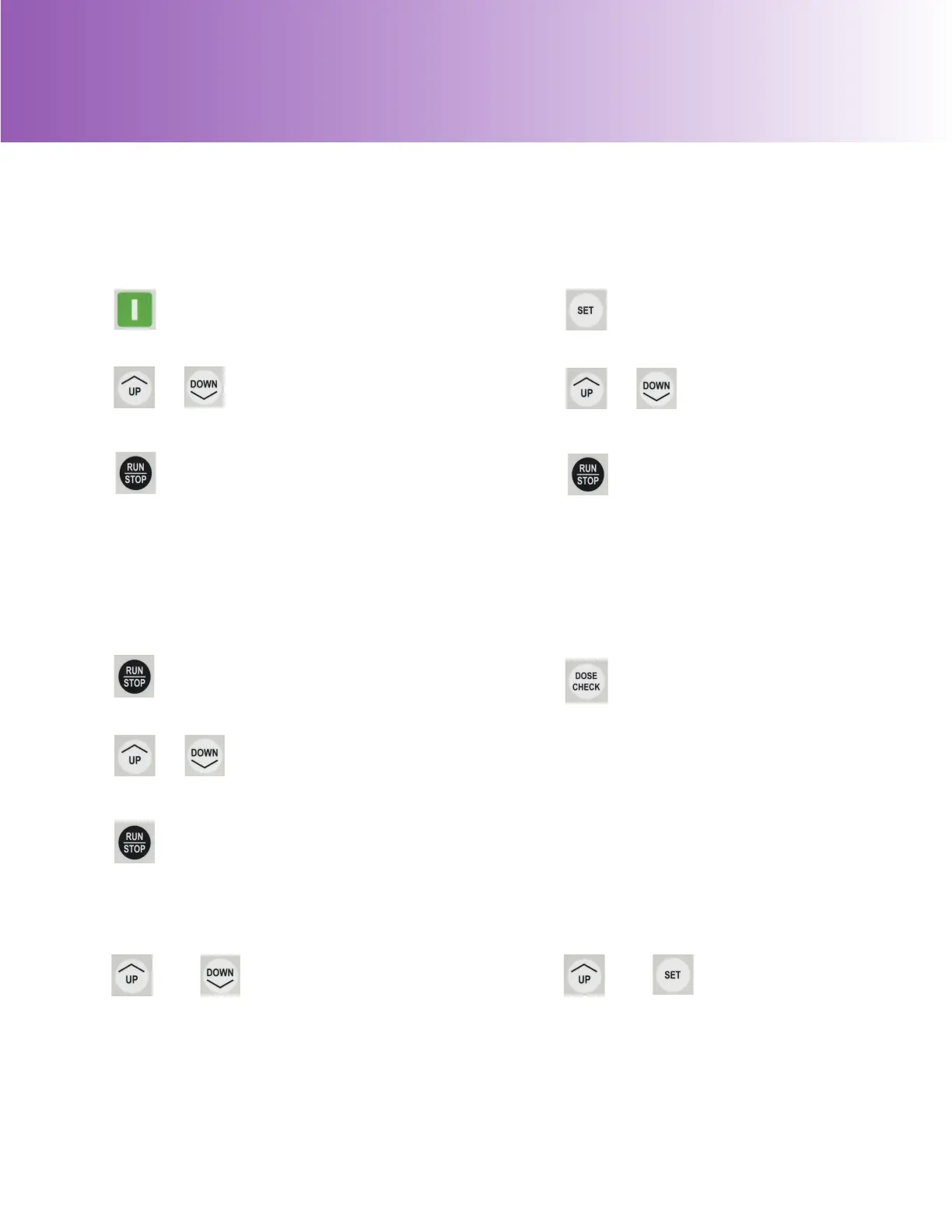
Press green ON button.
1
2
Press UP or DOWN
until desired infusion
rate is displayed.
or
3
Open roller clamp, press RUN/
STOP to begin feeding. (Pump will
run until container is empty if no
DOSE LIMIT is set.)
Press SET button.
1
2
Press UP or DOWN until
desired dose is displayed.
or
3
Open roller clamp, press RUN/
STOP to begin feeding.
Press RUN/STOP to stop the pump.
1
2
Press UP or DOWN to make
necessary adjustment.
or
3
Press RUN/STOP to resume feeding.
To view the total volume delivered,
press DOSE CHECK (if pressed
while running, the pump will stop
momentarily).
1
LOCK/UNLOCK KEYPAD
ADJUST
DISPLAY BRIGHTNESS
1
Press and hold UP and
SET simultaneously to
change bright or dim.
and
1
To lock/unlock keypad,
while pumping, press
and hold UP and DOWN
simultaneously.
and


 To Next Page