Reccomended operation 18
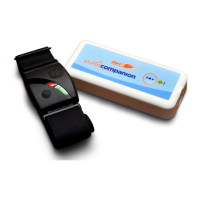
Disconnecting armband
The armband should be turned off before removing it from the arm. (Removing the armband rst will trigger an
Urgent alarm and will require further steps to return the monitor to standby mode).
After turning the armband off, hold the •
•
• button for 3 seconds, then wait 6 minutes for the fault to clear.
Monitoring
Press the mute (SEL) button on pager Pager silenced for 5 minutes
5 minutes Later
Turn off Armband Fault 26 shown on pager
Hold the •
•
• button for 3 seconds
Fault 26 will clear in 6 minutes
Pager will re alarm
Pager will then clear after 1 minute
Status LED flashes red, green, green...
Status LED flashes red every 4 seconds
Press the mute (SEL) button on pager
PLEASE NOTE:
where no safety concerns around detecting
Armbands being removed by user. For quick
disconnect see page 14.


 To Next Page