OPERATION
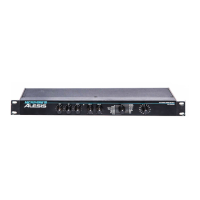
MICROVERB III is easy to use in almost any application. Simply do the following:
1. Apply a signal to either the right input jack for mono (used with a single instrument), or both
left and right jacks for stereo.
2. Increase the
INPUT control until the INPUT STATUS INDICATOR briefly lights red on occasional
program peaks. The LED should remain “green” most of the time. This indicates that there
is sufficient level to maintain a good signal to noise ratio.
3. Increase the OUTPUT control until there is sufficient output level.
4. Adjust the MIX control until the desired ratio of dry to wet signal is achieved.
REMEMBER: In cases were the MICROVERB III is used with the aux sends of a recording
console, the MIX control should remain all the way to the right (all wet signal).
5. Select the program type desired by switching the PROGRAM TYPE selector switch.
6. Select the program variation desired by switching the PROGRAM VARIATION switch.
7. Increase or decrease the High and Low EQ as desired.
As a good rule of thumb for selecting programs, rhythmic instruments such as drums or instruments
with ostinato (quickly repeating) type patterns usually work best with shorter reverb programs and
delays. Long melodic lines and pads generally sound better with longer reverbs. This is only a place
to start, however. Use your ears and select the one that sounds best to you!


 To Next Page