77
upon which you have selected.
4.15 EDITING MIX PARAMETERS
(config 2)
Configuration 2 offers separate mix levels for the Lezlie, Delay, and
Reverb modules, as well as master level (no preamp signal output is
needed in this configuration).
Direct Signal Level
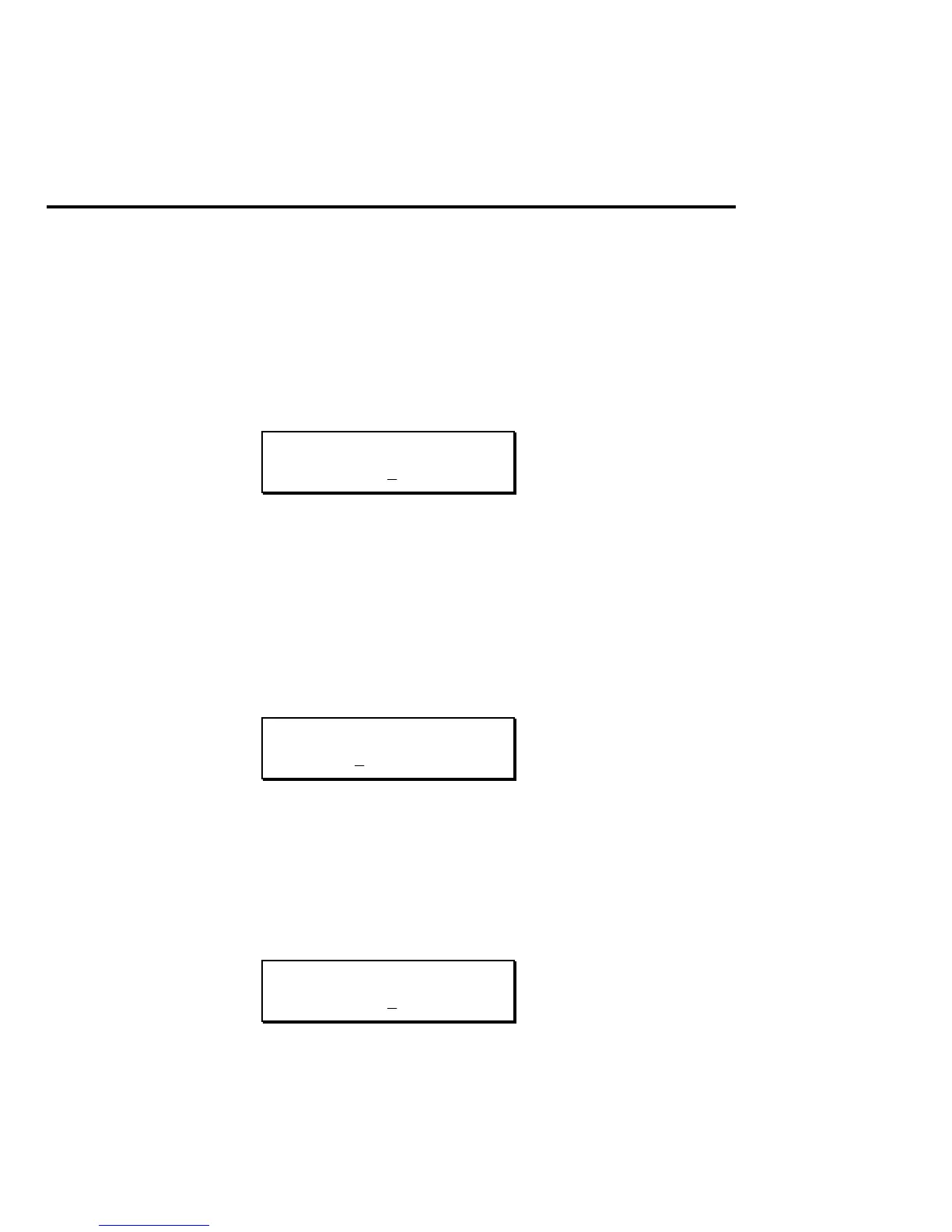
The display says:
DIRECT LEVEL:
5 0
This sets the level for the direct signal path. Use this and the Master
Effects level control to balance the levels of the straight and processed
signal paths.
Master Effects Level
The display says:
MASTER EFFECTS
LEVEL: 0 0
This sets the master volume for all the effects module outputs.
Lezlie Output Level
The display says:
LEZLIE LEVEL:
9 9


 To Next Page