83
4.18 EDITING MIX PARAMETERS
(config 5)
Configuration 5 offers a mix control for the Reverb module, along with
master/direct mix levels.
Direct Signal Level (appears only with Pre-EQ direct signals)
The display says:
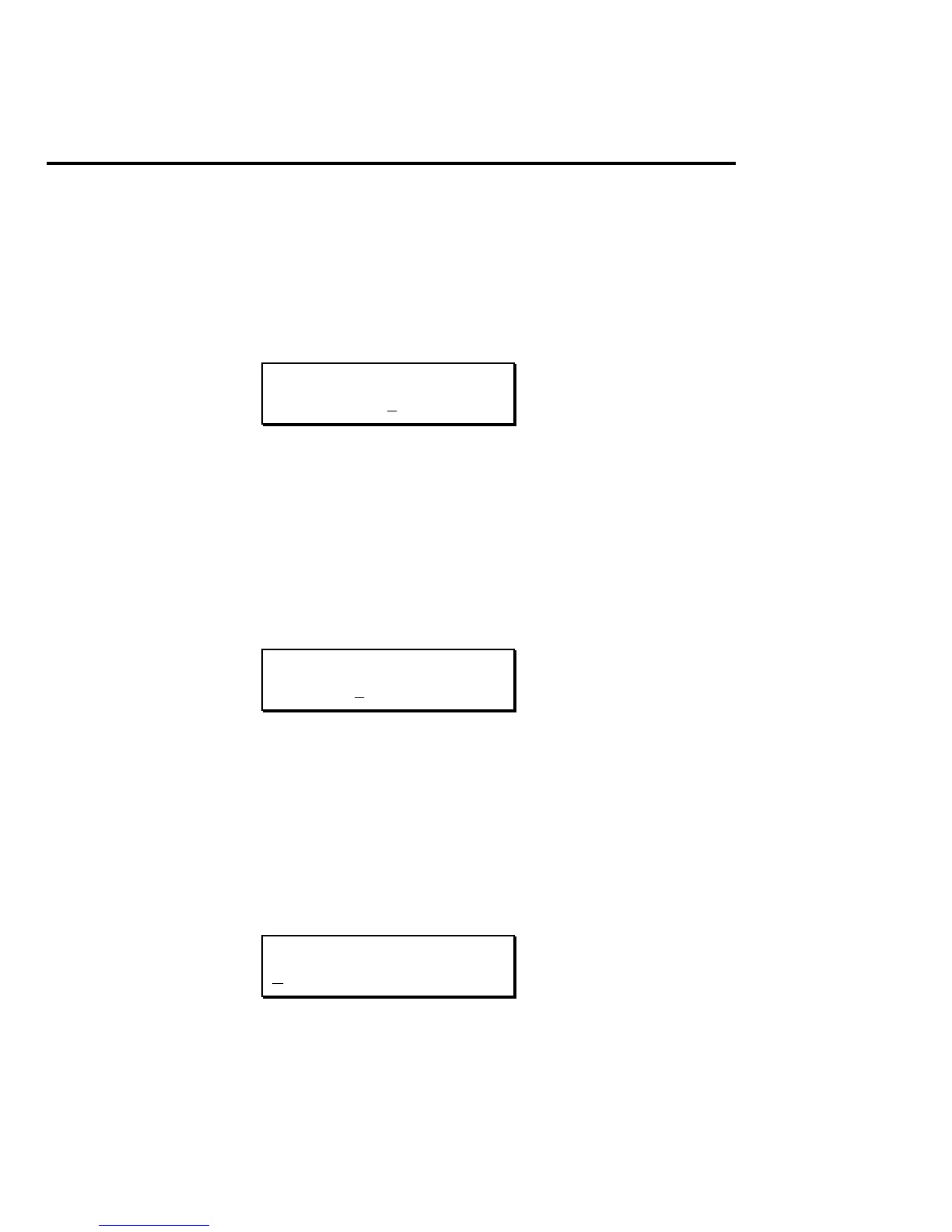
DIRECT LEVEL:
5 0
This sets the level for the direct signal path. Use this and the Master
Effects level control to balance the levels of the straight and processed
signal paths.
Master Effects Level
The display says:
MASTER EFFECTS
LEVEL: 0 0
This sets the master volume for all the effects module outputs. Use this
and the Direct signal control to balance the levels of the straight and
processed signal paths.
Preamp Signal
The display says:
PREAMP SIGNAL:
P RE-EQ
This selects whether the preamp output will be routed through the EQ


 To Next Page