Chapter 6: Editing Programs
52 S4 Plus Reference Manual
When Drum Mode is enabled, the sound will have fewer parameters for editing.
Consequently, not all Function labels will appear in the LCD display as when Drum
Mode is turned off. Specifically, the LFOs and all Envelopes (with the exception of the
Amp Envelope) are unavailable. In addition, the parameters in most other functions
will differ.
J
When using Edit 4 mode, sounds using Drum Mode will be unavailable for editing;
only sounds not in Drum Mode will be editable in the bargraph display. If a sound is in
Drum mode, the display will show “drmX,” whereby X is the sound number (1–4).
If you enable Drum Mode for a sound while in Edit 4 mode, the S4 Plus will
automatically switch to Edit 1 mode for that layer.
Program Edit Functions
Assign Voice
To edit a Program you must select Program Edit mode. Press [SELECT] from
Program Play Mode. "Editing: Program " will appear in the display’s edit status
section:
MIDI
CHAN
PROG
1
EFFECT
PRESET PRESET
EDITING: PROGRAM SOUND 1
PAGE:
1
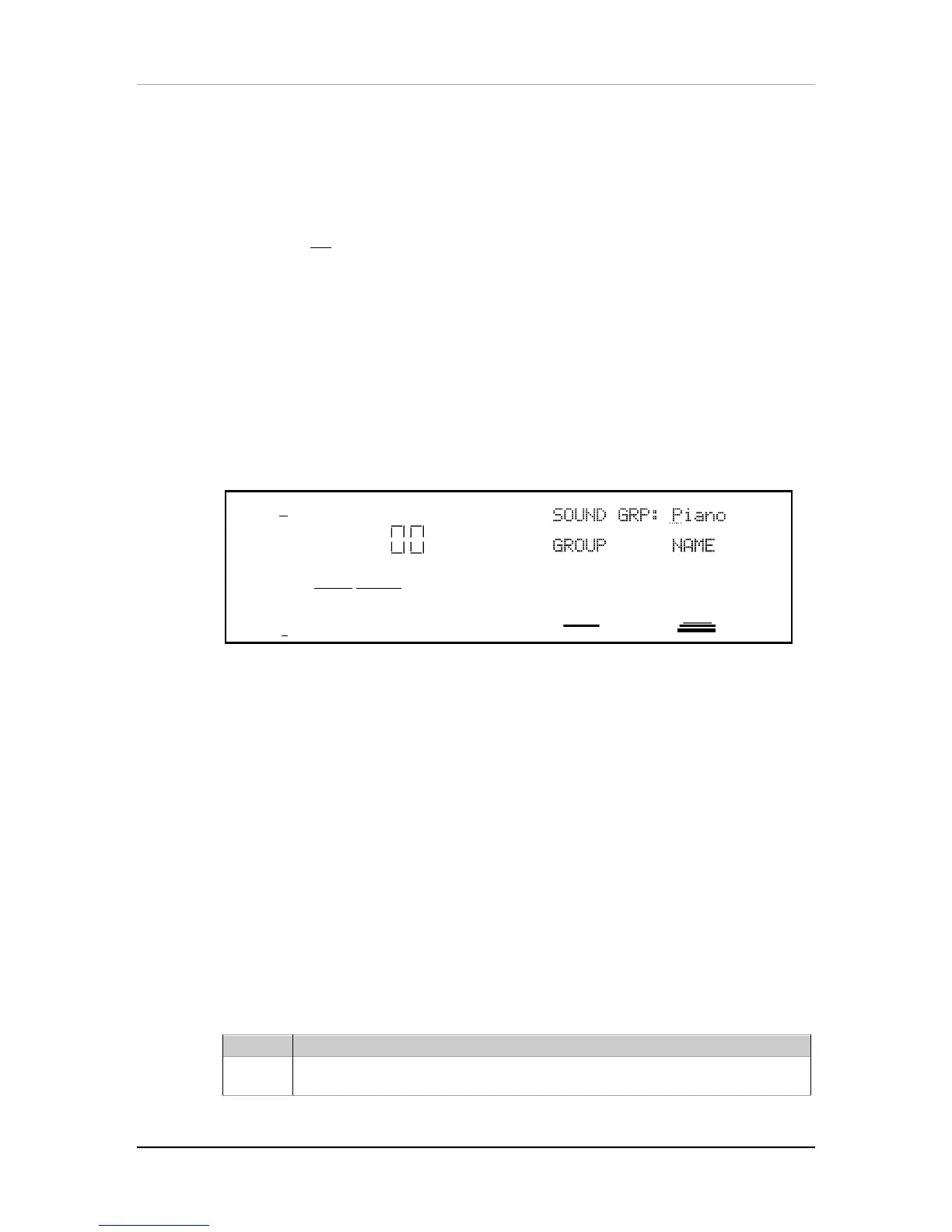
SOUND GRP: Piano
GROUP NAME
PITCH FILTER AMP RANGE MOD EFFECT NAME
PLFO FLFO ALFO PENV FENV AENV TRACK
CONFIG REVERB DELAY MIX MISC. GLOBAL
ASSIGN – VOICE LEVEL EFFECT–LEVEL
The Assign Voice function is the most fundamental part of Program editing. It is
where you choose the particular sample that forms the basis of a sound. To avoid
scrolling through long lists of samples (remember, there are 20 megabytes of sounds
in here!), sounds are divided into groups. After selecting the group, you then select
the sample within the group.
Group (16 options)
Choose from among 16 different onboard sample groups (see chart in next section).
Name
Selects one of the available samples by name from the selected group, or OFF (no
sample selected). Each group has a variety of samples from which you can choose,
although some groups (such as waves) have more samples than others.
On the following page, you’ll find a chart listing the various samples in their respective
groups.
Group Voice
Piano
GrandPiano, Dark Piano, No Hammer, Piano wave, BrtRhdsHrd, BrtRhdsSft, BrtRhdsVel,
MidRhdsHrd, MidRhdsSft, MidRhdsVel, Rhdes Hard, Rhdes Soft, Rhdes Velo, DynaRhds 1,
DynaRhds 2, FM Piano, Wurlser, AcousPiano, BritePiano, PianoModul


 To Next Page