Chapter 7: Editing Effects
88 S4 Plus Reference Manual
Storing Effect Patches In Program Mode
Effects are an extension of a Program. So, when you store a Program, you store its
Effects Patch along with it. Once a Program’s Effect Patch has been altered, the
display will show the word “EDITED” next to the Program number (if in Program
Mode; when editing the Effect Patch in Mix mode, the word “EDITED” will appear
next to the Program number only when the Effect Channel is selected). This indicates
that the current Effect Patch in the edit buffer is different from what is stored in
memory for the selected Program.
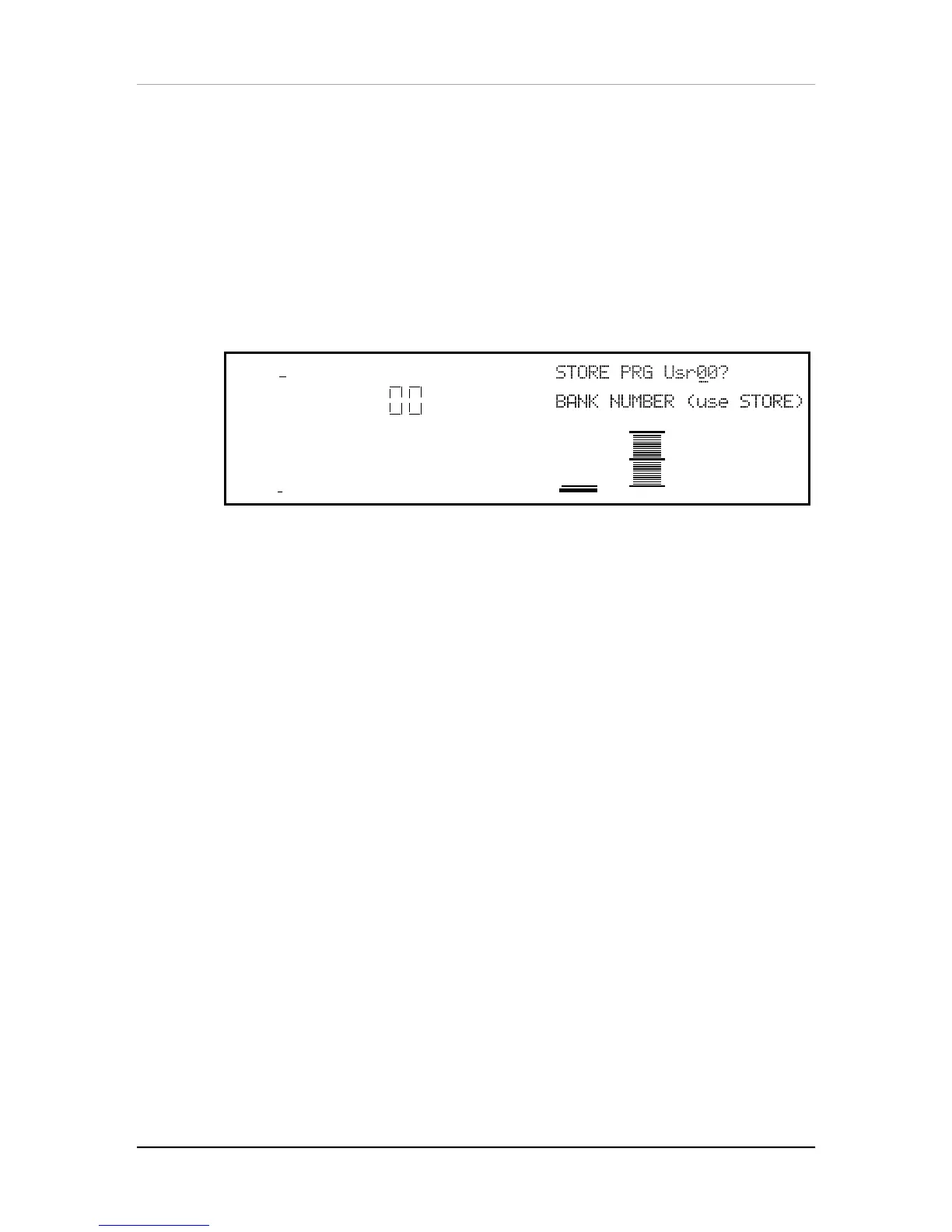
While in Effects Edit mode, press [STORE] at any time to go to Store mode. Store
mode has several pages, but the main storing function is found in the first page.
MIDI
CHAN
PROG
1
PRESET
PAGE: 123456
To store the edited Program along with its Effect Patch into the same location it was
recalled from, simply press [STORE] again, and it will be stored. To store the edited
Program into a different location, use Quad Knob [2] to select a different Program
number (000 – 127) in the User Bank to store it to. If a RAM Sound Card is inserted,
you can use Quad Knob [1] to select a Card Bank to store the Program to.
Storing Effect Patches in Mix Mode
When in Mix Play Mode or Mix Edit Mode, the Effect Program number shown in the
display is the Program number selected as the Effect Channel. Storing the Mix will
save this number, but will not store any changes you may have made to the Effect
Patch itself.
• If [STORE] is pressed twice while editing a Program that is on the Effect
Channel, both the Program and its Effects will be stored.
• If [STORE] is pressed twice while editing a Program that is on a Channel other
than the Effect Channel, the edited Program will be stored without altering its
previous Effects settings.
• If [STORE] is pressed twice while editing a Mix (Mix Edit Mode), only the Mix
parameters will be stored, not the individual Programs or the Effects Patch.


 To Next Page