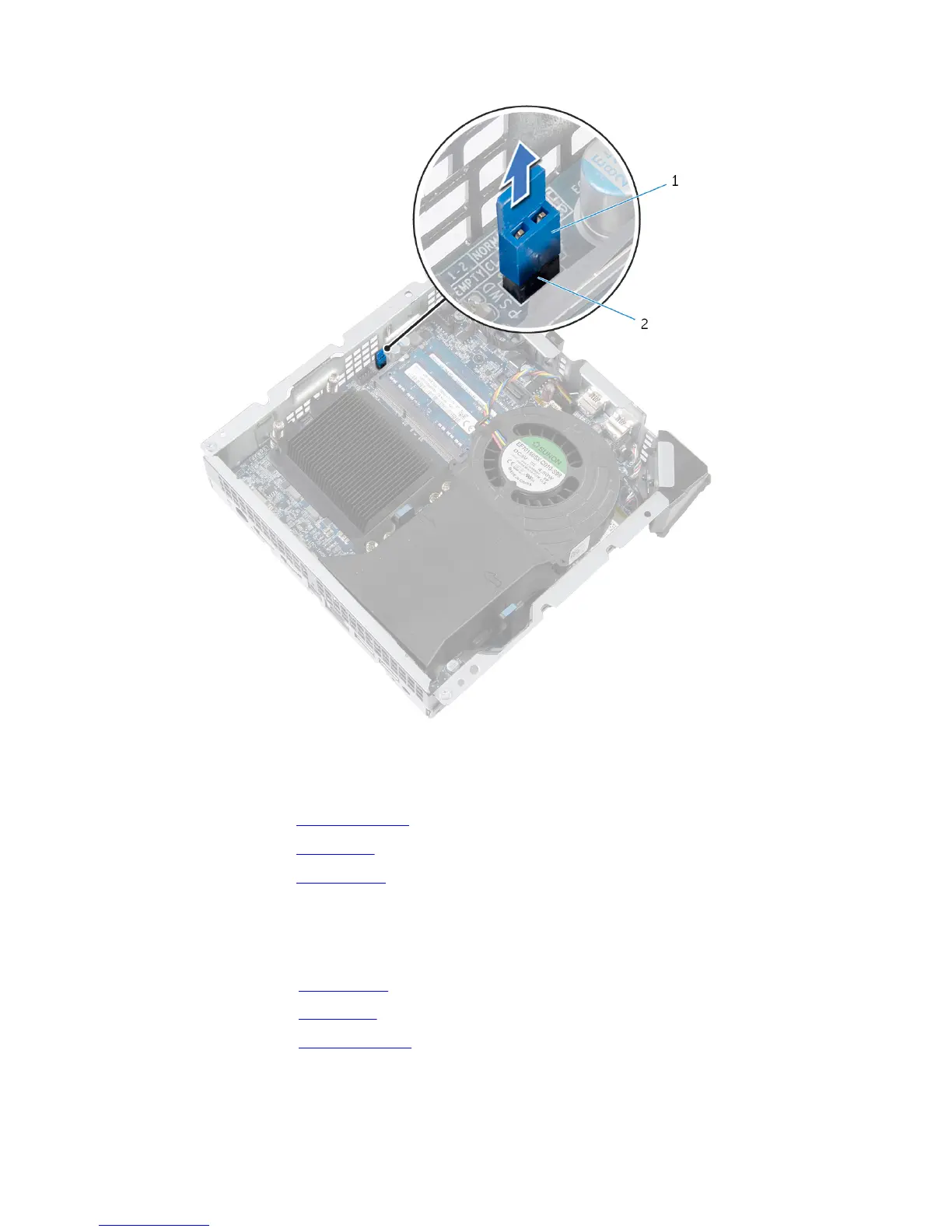
2 Remove the jumper plug.
1 jumper plug 2 password jumper
(CLEAR_PASSWORD)
3 Replace the processor fan.
4 Replace the top cover.
5 Replace the base cover.
6 Turn on your computer and wait till the operating system is completely
loaded.
7 Shut down your computer.
8 Remove the base cover.
9 Remove the top cover.
10 Remove the processor fan.
83















 To Next Page