Setting up the Virtual Reality (VR) headset —
optional
NOTE: The VR headset is sold separately.
1. Download and run the setup tools for your VR headset at www.dell.com/VRsupport.
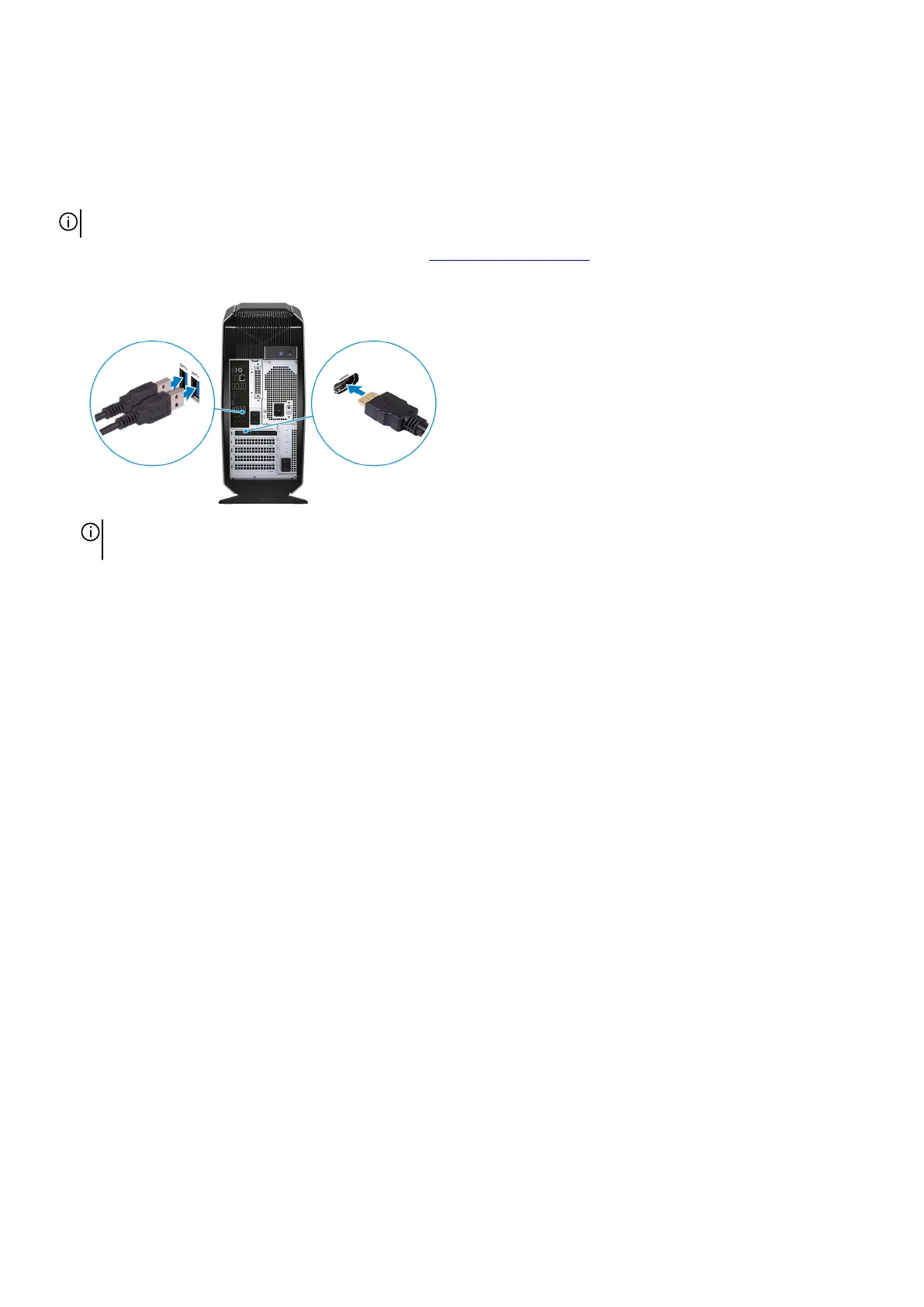
2. Connect the VR headset to the USB 3.1 Gen 1 and HDMI ports on your computer, when prompted.
NOTE: Connect the headset to the HDMI port on the primary graphics card and connect the display to any available
port on the card.
3. Follow the instructions on the screen to complete the setup.
7















 To Next Page