Operating the Monitor | 37
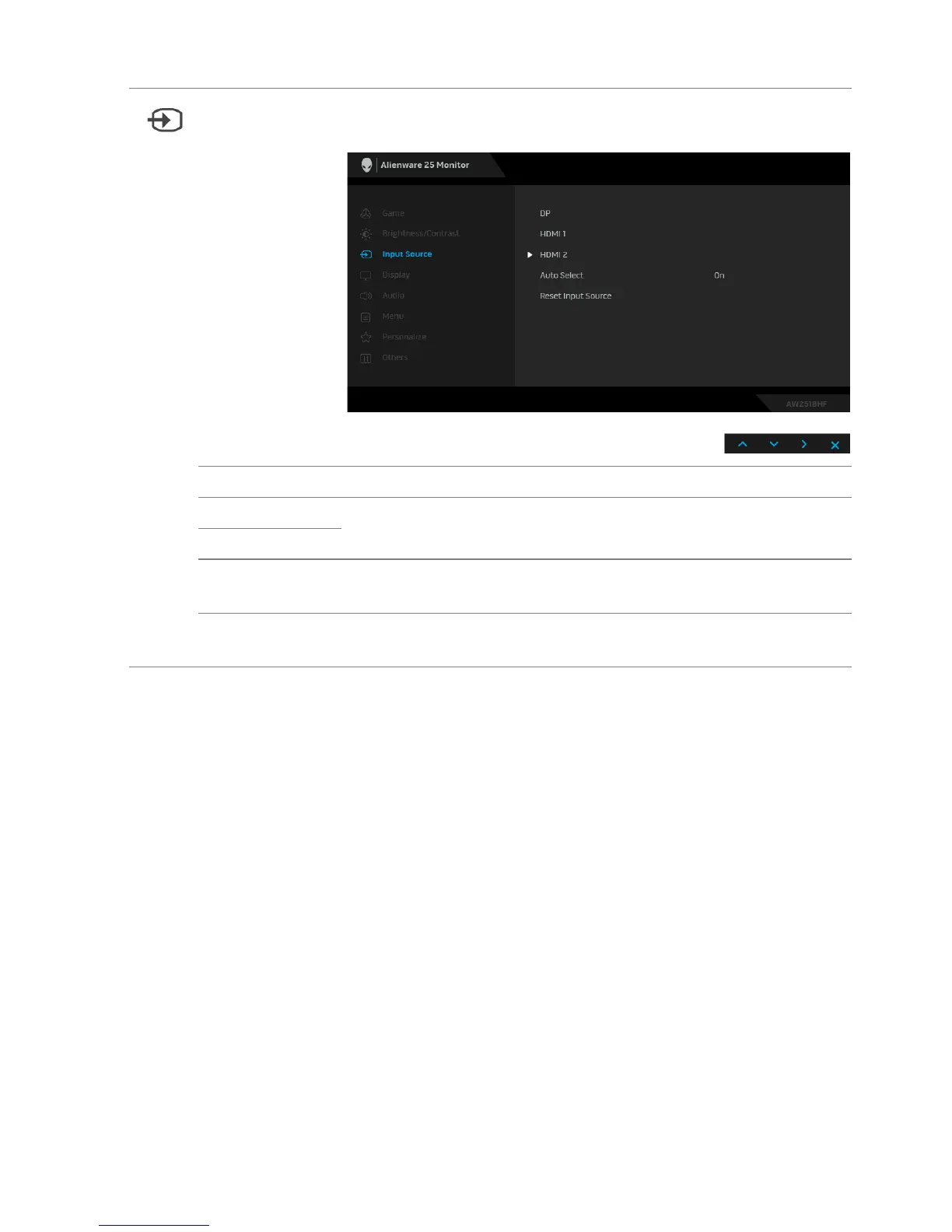
Input Source Use the Input Source menu to select between the different
video signals that may be connected to your monitor.
DP Select the DP input when you are using the DP connector.
HDMI 1 Select the HDMI 1 or HDMI 2
input when you are using the
HDMI connectors.
HDMI 2
Auto Select Turning on the function allows you to scan for available input
so
urces.
Reset Input
So
urce
Reset your monitor input settings to the factory settings.















 To Next Page