38 | Operating the Monitor
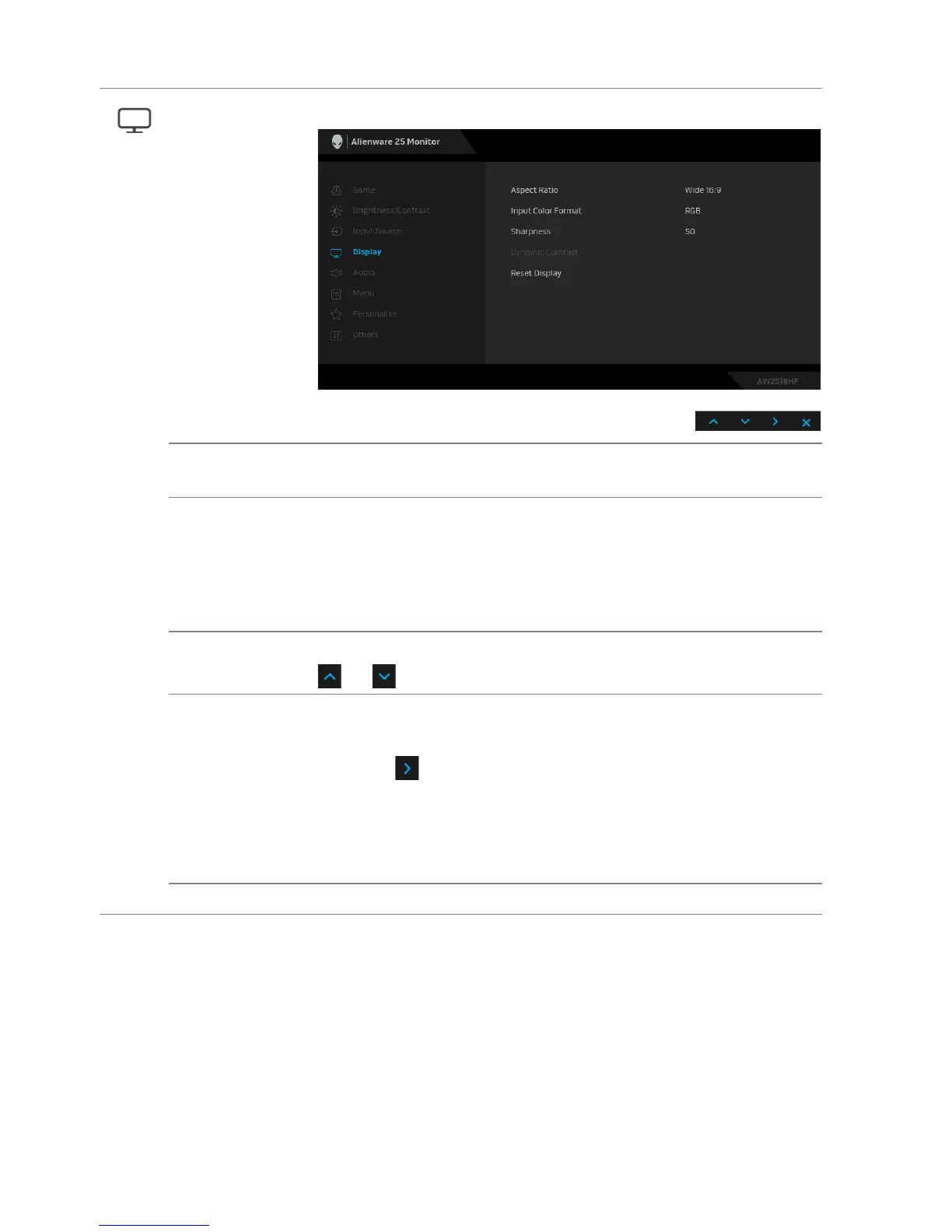
Display Use Display to adjust images.
Aspect Ratio Adjusts the image ratio to Wide 16:9, Auto Resize, 4:3, or
1:1.
Input Color
Format
Allows you to set the video input mode to:
RGB: S
elect this option if your monitor is connected to a
computer (or DVD player) using the DP or HDMI cable.
YPbPr: Select
this option if your DVD player supports only
YPbPr output.
Sharpness This feature can make the image look sharper or softer. Use
or to adjust the sharpness level from 0 to 100.
Dynamic
Co
ntrast
Allows you to increase the level of contrast to provide sharper
and more detailed image quality.
Press the
button to select the Dynamic Contrast "On"
or "Off".
NOTE: Dynamic Contrast provid
es higher contrast if you
select these preset modes: FPS, RTS, RPG, Game 1, Game 2,
and Game 3.
Reset Display Select this option to resto
re default display settings.















 To Next Page