52 | Operating the monitor
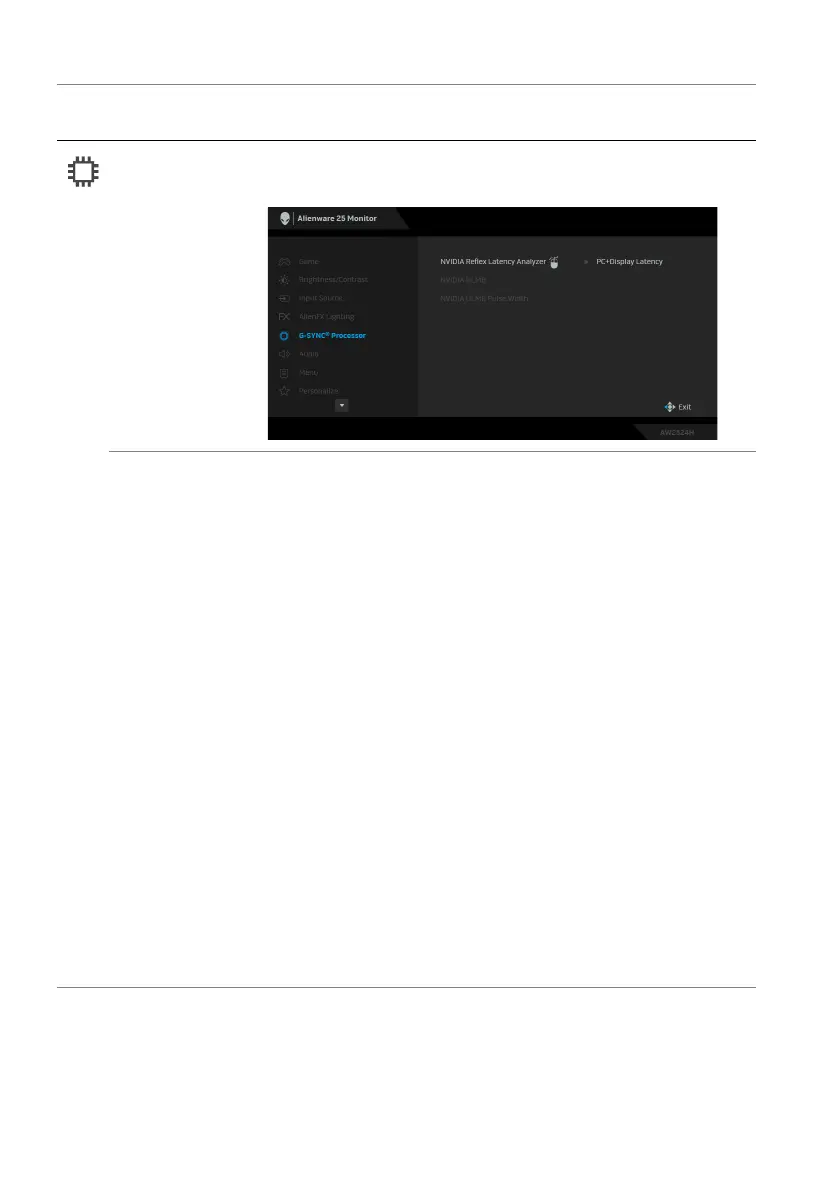
G-SYNC®
Pr
ocessor
Use this menu to utilize the latency tool, enable the
ULMB function, and adjust the ULMB pulse width.
NVIDIA Reflex
Latency
Analyzer
Detects and analyzes the time latency between
triggering of the mouse and the actual action displayed
during gameplay.
NOTE: E
nsure that you have connected the USB
upstream cable from your monitor to your computer.
•PC+Display Latency: Se
lect On to enable the
latency analyzer function. The default setting is Off.
NOTE: E
nsure that you have connected a wired/
wireless mouse directly to the designated USB port.
• Monitoring Sensitivity: Adju
sts the monitoring
sensitivity to Low, Medium, or High.
• Show Monitoring Rectangle: Se
lect On to show the
monitoring area in a gray rectangle.
• Rectangle Preset: Th
e default preset location for the
monitoring rectangle is Right Handed. You can also
choose Centered or Left Handed.
• Rectangle Location:
Manually adjust the location of
the monitoring rectangle.
• Rectangle Size:
Manually adjust the size of the
monitoring rectangle.
Icon Menu and
submenu
De
scription















 To Next Page