Operating the monitor | 49
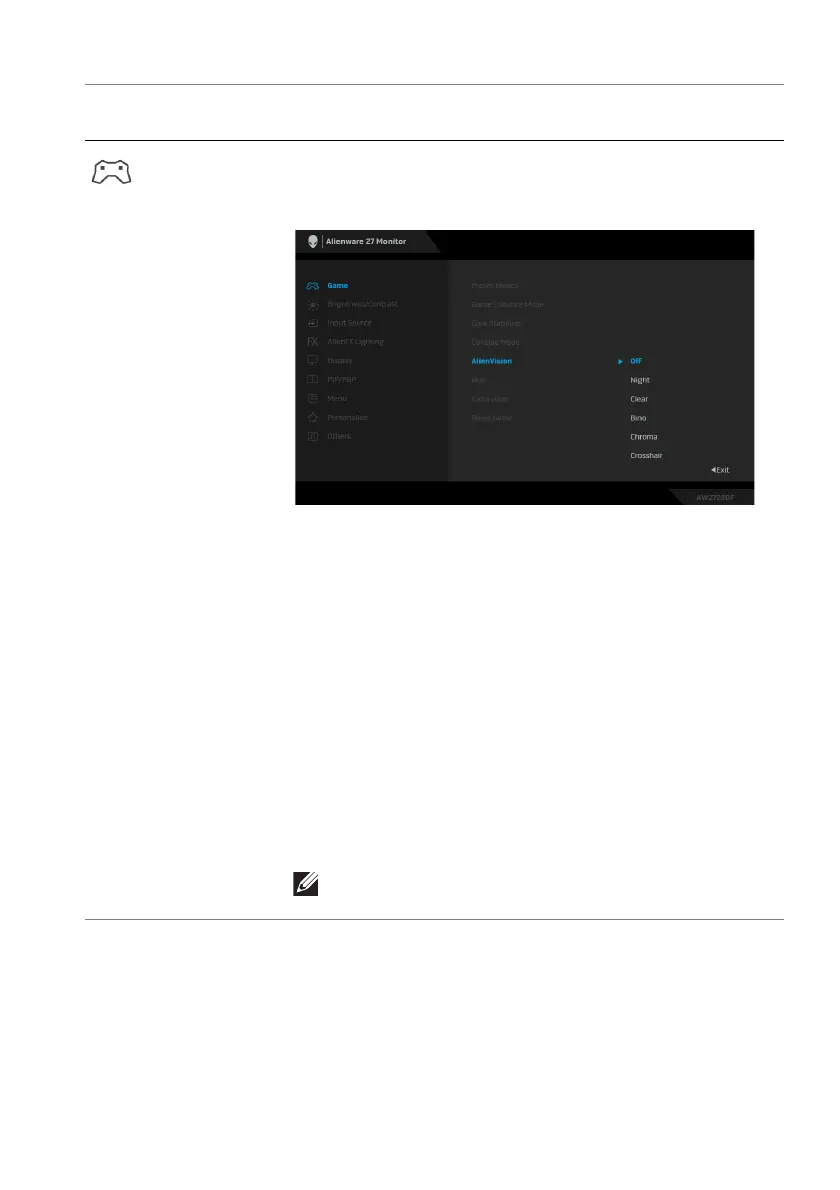
AlienVision AlienVision provides a
few display modes for gaming
scenarios. You can go through the options to see the
preview. The default setting is Off.
• Night: Identifies the objects clearly in dark game
scenes.
• Clear: Cleans up visual art
ifacts to enhance the
clarity in the daytime scenes.
• Bino:
This feature allows you to zoom in on distant
objects like a telescope.
• Chroma: Applies dynamic heatmaps in various
scene
s to help distinguish game objects from the
background.
• Crossha
ir: Assists in aiming and predictive aiming
with markings. Displays the crosshair throughout the
game, helping improve aiming in the heat of the
game.
NOTE: More AlienVision options are available by
using Alienware Command Center (AWCC).
Icon Menu and
submenu
Description















 To Next Page