Using AlienFX™ function | 83
Setting
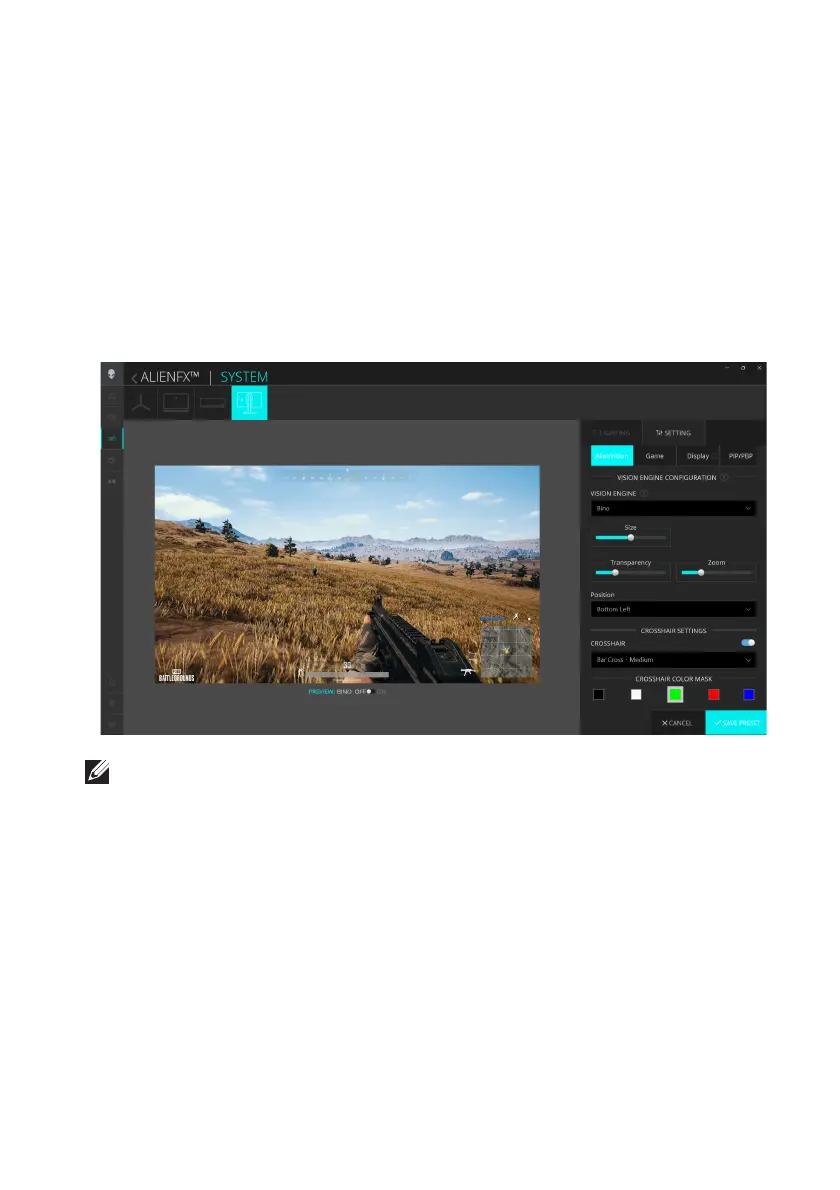
1. Launch the AWCC application from the Start menu.
2. In
the window of Dashboard view, click the monitor image of AW2725DF
to access the device view.
3. Select the SETTING panel to
customize the following features:
• Customization of AlienVision: To customize vision mode fea
tures.
• Game configuration: To adjust advanced gaming features.
• Display configuration: To adjust the brightness and contrast of the display.
• PIP/PBP configuration: To display images from different vid
eo sources.
NOTE: When you save a Game Preset, only the settings for AlienVision
and Game are stored.















 To Next Page