Operating the monitor | 59
Smart HDR
NOTE: When activating and deactivating Smart
HDR, a blank screen is expected (about 5
seconds). This is normal behavior as the monitor
changes the display mode. Do not power cycle the
monitor.
NOTE: When the monitor is processing HDR
content, Preset Modes, Dark Stabilizer,
Brightness, and Contrast are disabled.
NOTE: AW2725DF does not support HLG.
NOTE: The feature is disabled when PIP/PBP is
activated.
Reset Display Resets all settings under the Display menu to th
e factory
defaults.
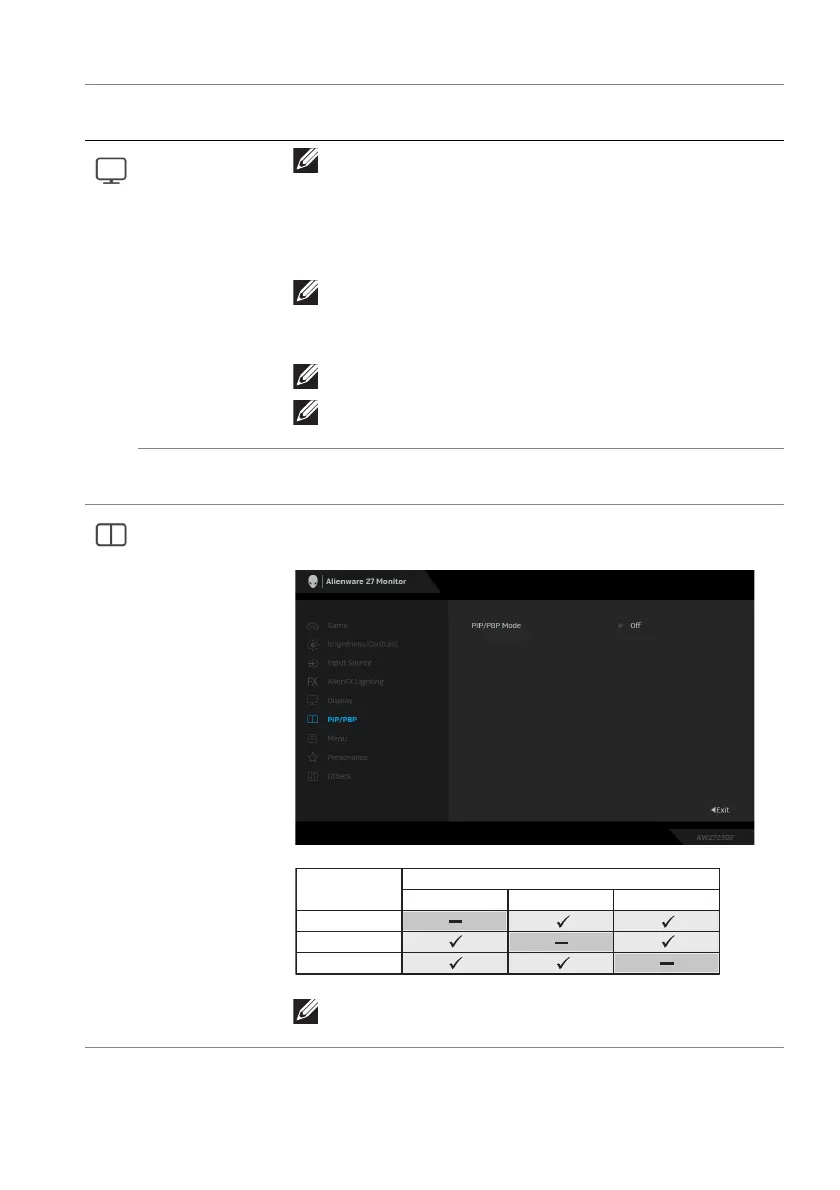
PIP/PBP This feature brings up a window displaying images from
another input source.
Main Window
Sub-Window
DP 1
DP 1
DP 2
HDMI
DP 2
HDMI
NOTE: In PBP mode, the images are displayed at
the center of the split windows.
Icon Menu and
submenu
Description















 To Next Page