About your monitor | 15
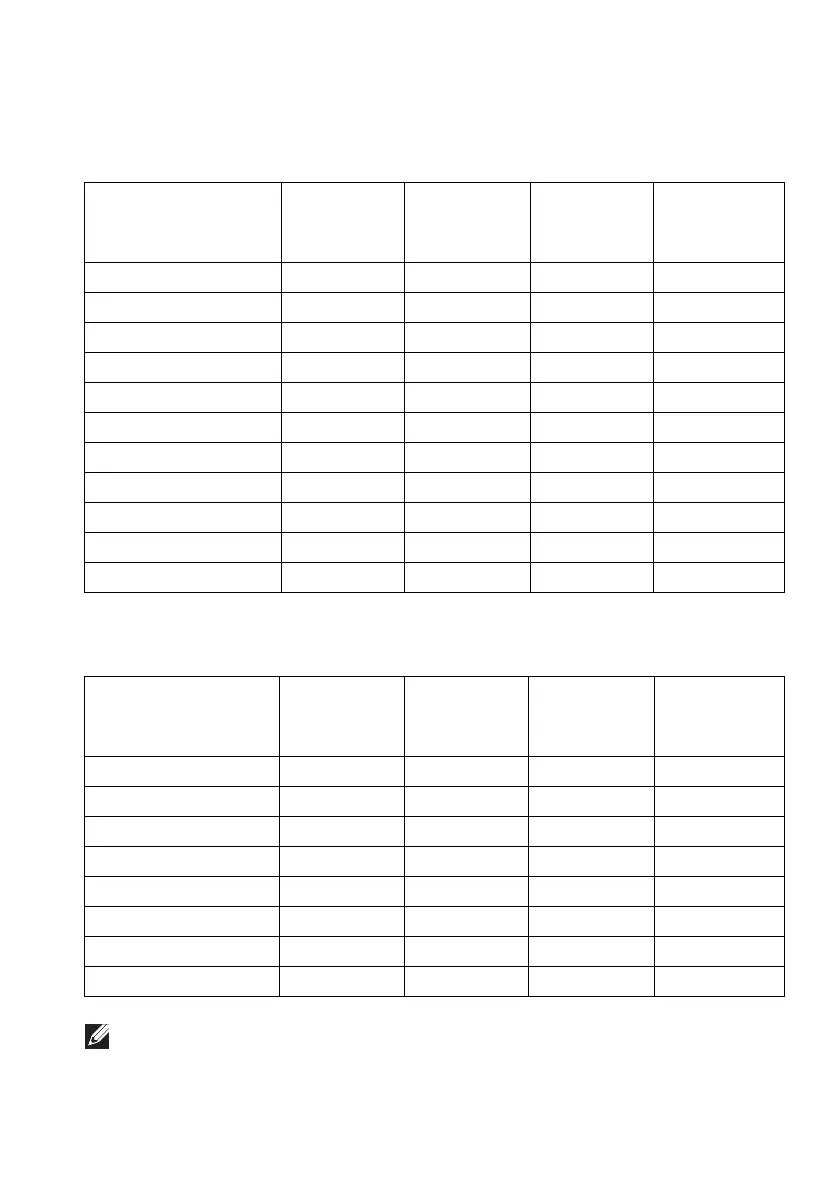
Preset display modes
HDMI display modes
Display mode Horizontal
frequency
(kH
z)
Vertical
frequency
(Hz)
Pixel clock
(MHz)
Sync polarity
(Horizontal/
Vertical)
VGA, 640 x 480 31.47 60 25.175 -/-
VESA, 800 x 600 37.88 60 40 +/+
VESA, 1024 x 768 48.36 60 65 -/-
640 x 480p 31.48 60 25.18 -/-
720 x 480p 31.5 60 27.03 -/-
720 x 576p 31.25 50 27 -/-
1280 x 720p @ 50 Hz 37.5 50 74.25 +/+
1280 x 720p @ 60 Hz 45 60 74.25 +/+
1920 x 1080p @ 50 Hz 56.25 50 148.5 +/+
1920 x 1080p @ 60 Hz 67.5 60 148.5 +/+
3440 x 1440 @ 50 Hz 73.7 50 265.25 +/-
DP display modes
Display mode Horizontal
fr
equency
(kHz)
Vertical
frequency
(Hz)
Pixel clock
(MHz)
Sync polarity
(Horizontal/
Vertical)
VESA, 640 x 480 31.47 60 25.175 -/-
VESA, 800 x 600 37.88 60 40 -/-
VESA, 1024 x 768 48.36 60 65 -/-
3440 x 1440 @ 60 Hz 88.8 60 319.75 +/-
3440 x 1440 @ 50 Hz 73.7 50 265.25 +/-
3440 x 1440 @ 85 Hz 127.4 85 458.5 +/-
3440 x 1440 @ 100 Hz 151 100 531.52 +/-
3440 x 1440 @ 120 Hz 180 120 633.6 +/+
NOTE: This monitor supports NVIDIA G-SYNC. For information about
the graphic cards that support NVIDIA G-SYNC feature, go to
www.geforce.com.















 To Next Page