Operating the monitor | 45
OSD warning message
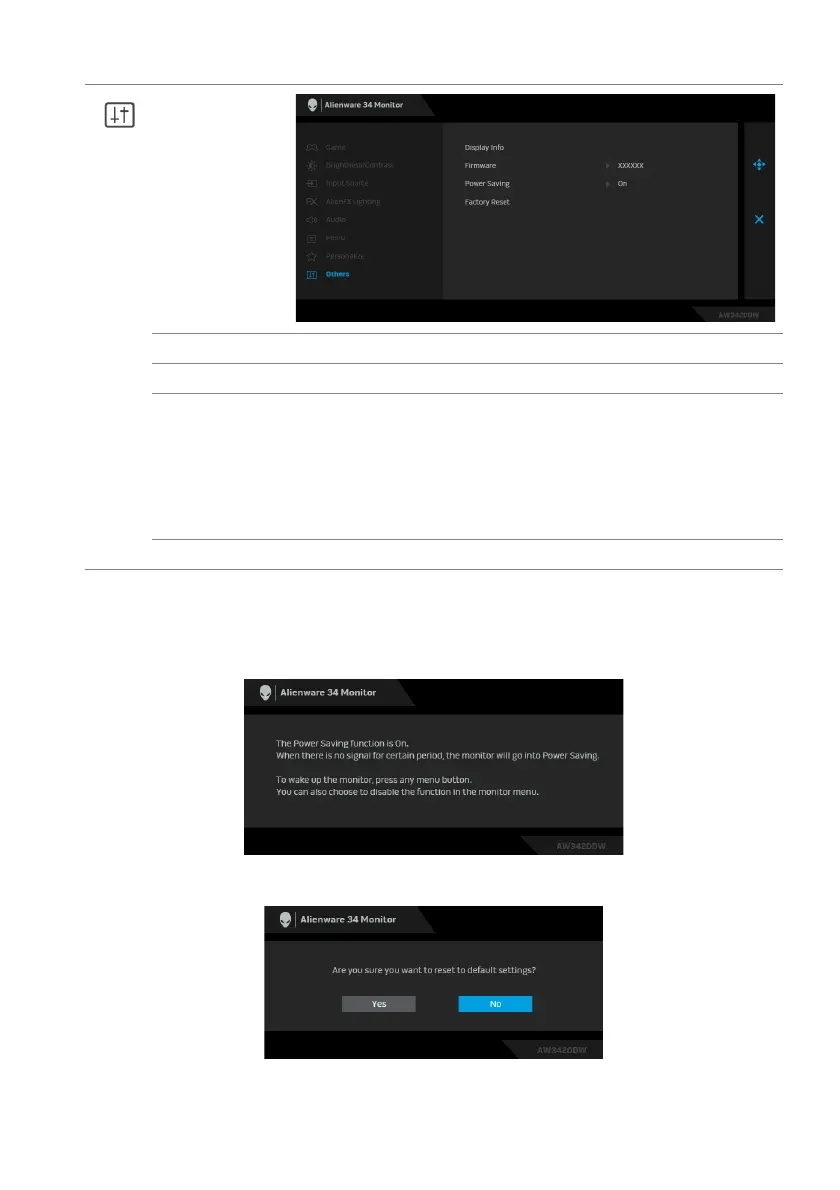
When the monitor enters the Pow
er Saving mode, the following message
appears:
When Factory Reset is selected, the following message appears:
See Troubleshooting for more information.
Others
Display Info Displays the monitor's current settings.
Firmware Displays the firmware version of your monitor.
Power Saving The default setting is On, letti
ng the monitor go to sleep as the
system sleeps. Selecting Off may prevent the monitor from
going into deep sleep and being unable to wake up.
NOTE: Pressing any button (including the joystick button) on
the rear panel of the monitor may also wake up the monitor
after it goes into deep sleep.
Factory Reset Resets all OSD settings to the factory defaults.















 To Next Page