Operating the monitor | 35
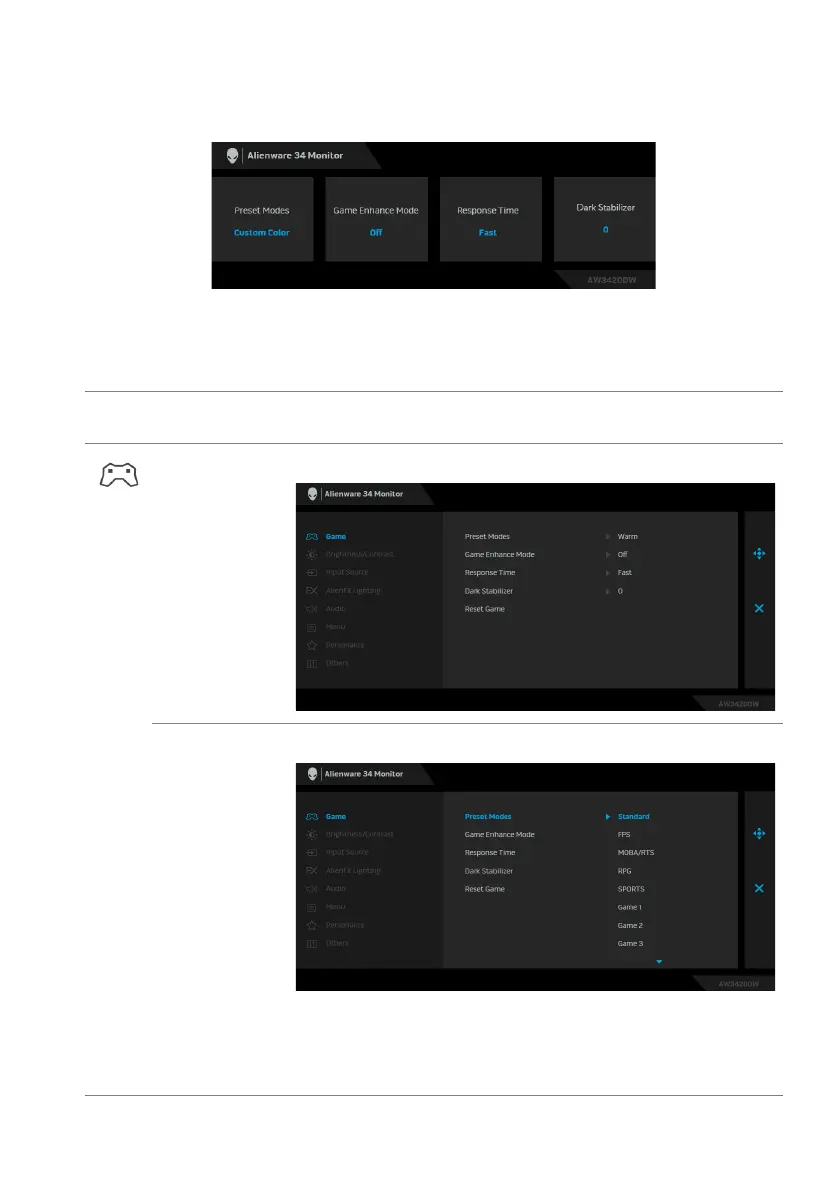
When you press any of these buttons (inclu
ding the joystick button), the OSD
Status Bar appears to let you know the current settings of some OSD functions.
Using the On-Screen Display (OSD) menu
Accessing the menu system
Icon Menu and
submenus
Description
Game Use this menu to personalize your visual gameplay experience.
Preset Modes Allows you to choose from a list of preset color modes.
• Standard: Loads the monitor's default color settings. This is
the default preset mode.
• FPS:
Loads color settings ideal for First-Person Shooter
(FPS) games.















 To Next Page