38 | Operating the monitor
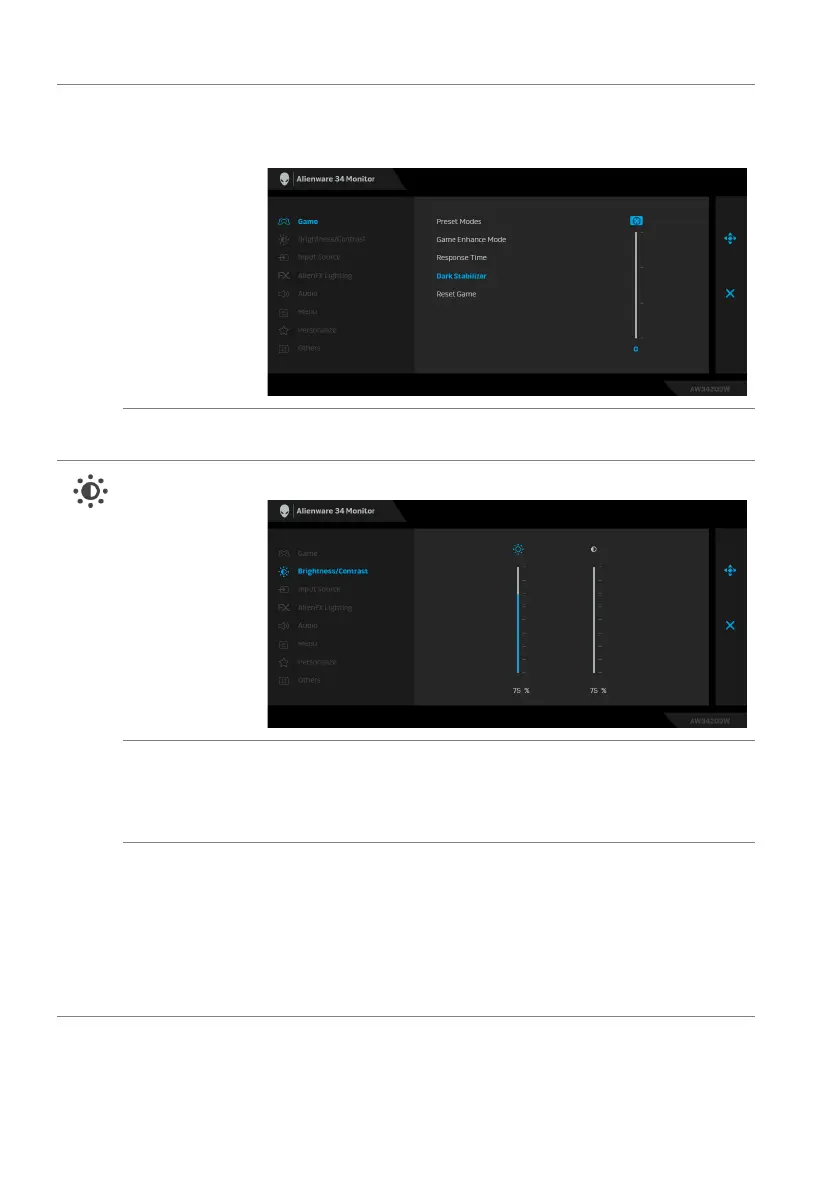
Dark Stabilizer The feature improves the visibility in the dark gaming
scenarios. The higher the value (between 0 to 3), the better
visibility in dark area of the display image.
Reset Game Resets all settings under the Game menu to the factory
defaults.
Brightness/
Contrast
Use this menu to activate Brightness/Contrast adjustment.
Brightness Brightness adjusts the luminance of the backlight.
Move the joystick up to increase the brightness level or move
the joystick down to decrease the brightness level (min. 0 /
max. 100).
Contrast Adjust Br
ightness first, and then adjust Contrast only if
further adjustment is necessary.
Move the joystick up to increase the contrast level or move the
joystick down to decrease the contrast level (min. 0 / max.
100).
The Contrast function adjusts the degree of difference
between darkness and lightness on the monitor screen.















 To Next Page