14
Configuring the headset on your computer
To use your headset for gaming or to listen to music from your computer, it has to
be selected as the default playback device and the default recording device in
Windows Audio Settings.
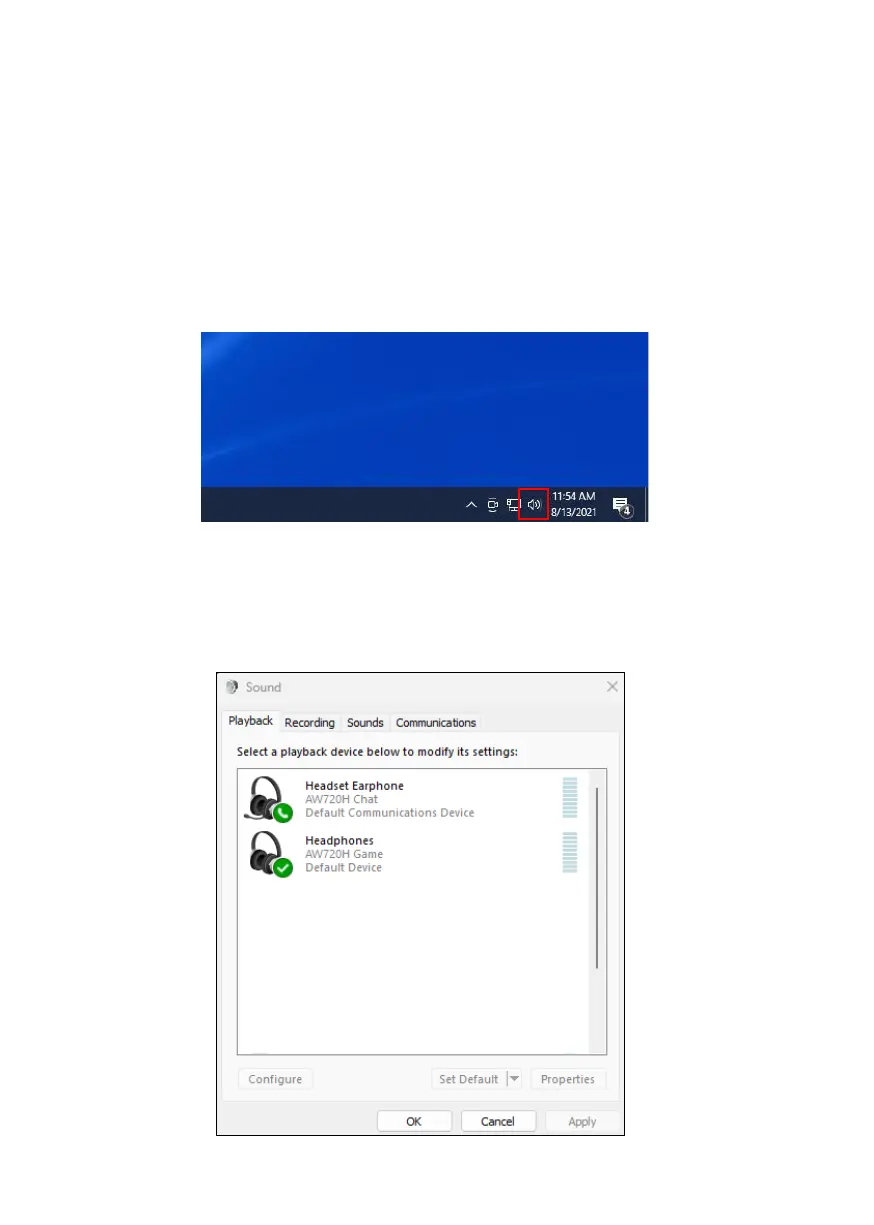
1. On the taskbar, right-click the speaker icon and click Sounds. The Sounds
dialog box appears.
2. Click the Playback tab and set the following:
▪ Set AW720H Game as the default playback device.
▪ Set AW720H Chat as the default communication device.



 To Next Page