Set up your Alienware m15
NOTE: The images in this document may from your computer depending on the you ordered.
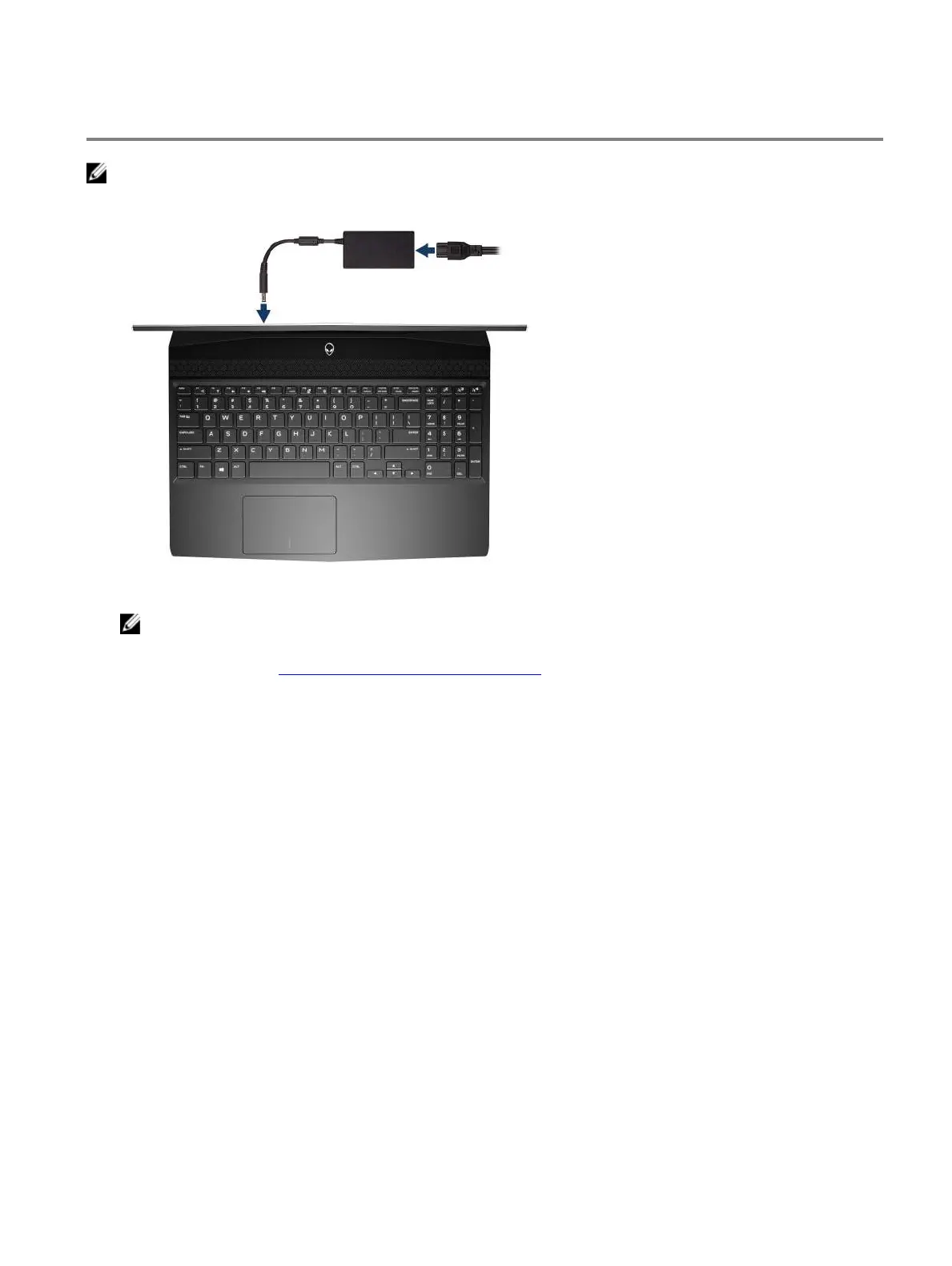
1 Connect the power adapter and press the power button.
2 Create recovery drive for Windows.
NOTE: It is recommended to create a recovery drive to troubleshoot and problems that may occur with
Windows.
For more information, see Create a USB recovery drive for Windows.
5













 To Next Page