EasyManua.ls Logo

Alinco DR-135T MkII - User Manual

Alinco DR-135T MkII
50 pages
Print Icon
To Next Page IconTo Next Page
Loading...
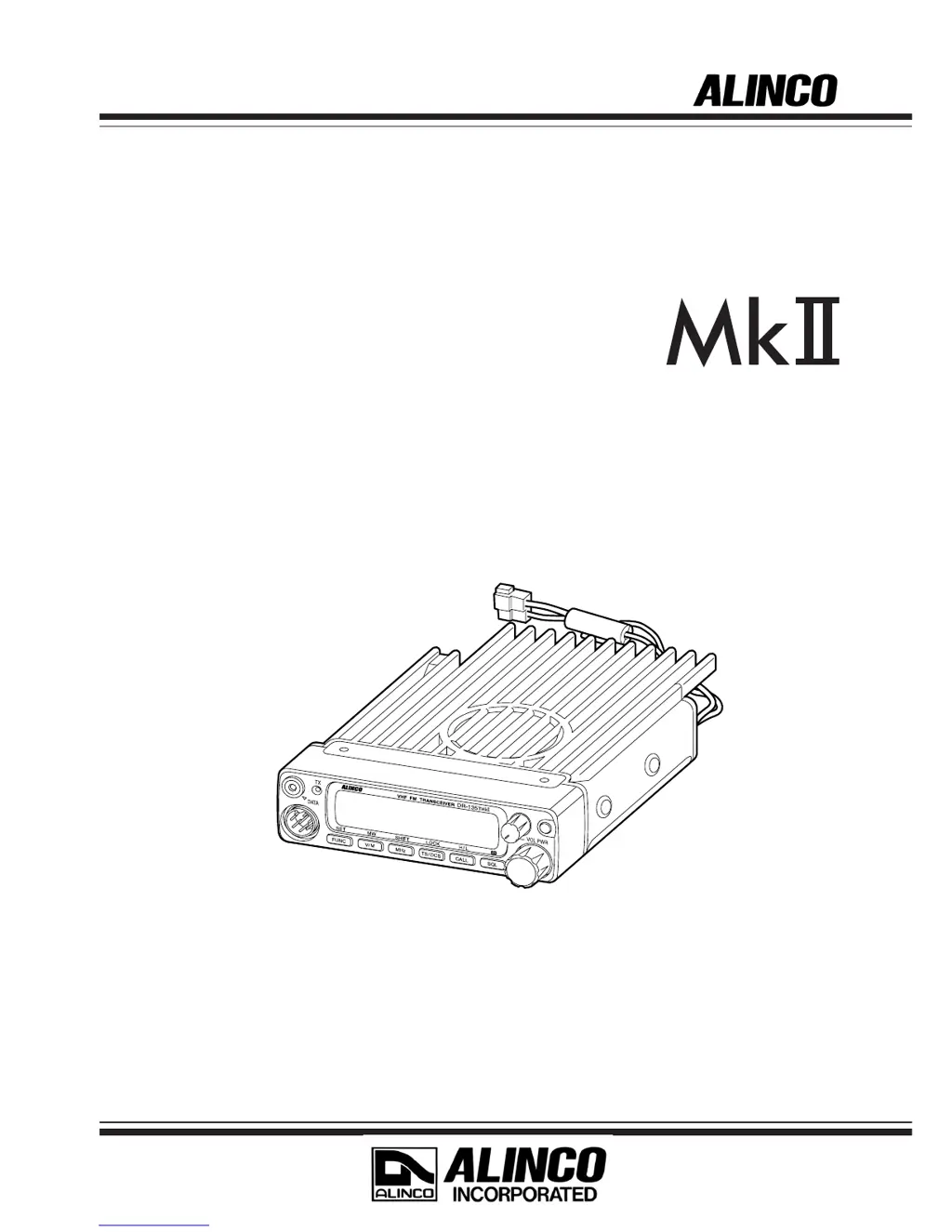
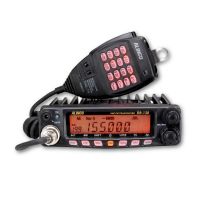
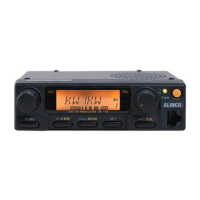
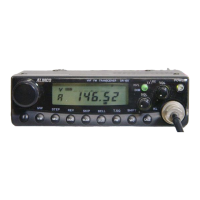
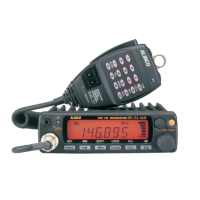
VHF FM Mobile Transceiver
DR-135T
Instruction Manual
Thank you for purchasing your new Alinco transceiver.
This instruction manual contains important safety and operating instructions. Please read this
manual carefully before using the product and keep it for future reference.
Printed in Japan
Copyright Alinco,Inc. 2002 PS0422
ALINCO,INC.
Head Office: Shin-Dai building 9th Floor
2-6, 1-Chome, Dojimahama, Kita-ku,
Osaka 530-0004, JAPAN
Phone:+81-6-4797-2136 Fax:+81-6-4797-2157
E-mail:export@alinco.co.jp

Table of Contents

Questions and Answers

  • L
    lynnsusanAug 15, 2025
    Why Alinco Transceiver does not transmit and cannot be reset?
    • M
      Michelle GarciaAug 16, 2025
      If your Alinco Transceiver won't transmit and can't be reset, it could be because the DSUB-9 port has been connected to a PC without installing the EJ-41U. Disconnect the cable and install EJ-41U properly.
  • P
    Paul LevineAug 19, 2025
    Why is there no sound coming from the Alinco DR-135T MkII Transceiver speaker?
    • T
      Timothy GarnerAug 19, 2025
      If no sound is coming from the Alinco Transceiver's speaker, there might be a couple of reasons: * The squelch might be muted. Try decreasing the squelch level. * Tone or DCS squelch might be active. In this case, turn off CTCSS or DCS squelch.
  • J
    Julie AdamsAug 21, 2025
    What to do if PTT key is pressed but transmission does not occur on Alinco DR-135T MkII?
    • I
      Isaac MarshAug 22, 2025
      If you press the PTT key on your Alinco Transceiver and transmission doesn't occur, check these potential causes: * Ensure the microphone connection is properly connected. * Verify the antenna connection is properly connected.
  • E
    Edward NicholsonAug 25, 2025
    Why Alinco Transceiver does not work in the APRS mode?
    • F
      Frank JamesAug 25, 2025
      If your Alinco Transceiver isn't working in APRS mode, consider the following: * Ensure the connections and parameters are configured properly. * Use PC to configure the TNC, if the unit is not configured for automatic transmission. * Adjust squelch level properly, if the squelch is open. * Wait until GPS receiver receives data from satellites, if GPS receiver is not receiving the data from the satellites.
  • O
    Oscar McguireAug 27, 2025
    Why Alinco DR-135T MkII does not work in the packet mode?
    • J
      jameseugeneAug 27, 2025
      If your Alinco Transceiver isn't working in packet mode, here are some things to check: * Make sure the connections and configurations are properly set for EJ-41U/TNC. * Follow the instruction, configure and retry, if the unit is not in the data mode. * Adjust squelch level properly, if the squelch is open. * Use command to configure the speed, if the data transmission speed is not configured. * Use straight RS-232C cable, if the cable is not straight type.
  • C
    Clinton LynchAug 30, 2025
    How to unlock the Alinco Transceiver if key and dial do not function?
    • S
      Shane MiddletonAug 30, 2025
      If the key and dial on your Alinco Transceiver aren't working, it's possible that the key-lock function is activated. Try canceling the Key-lock function.
  • M
    Marissa MontgomerySep 2, 2025
    How to adjust display brightness on Alinco Transceiver?
    • S
      Sarah WagnerSep 2, 2025
      If the display on your Alinco Transceiver is too dim, make the dimmer setting "LAMP-H".
  • R
    roblesshaneSep 5, 2025
    What to do if rotating dial will not change memory channel on Alinco DR-135T MkII Transceiver?
    • J
      Jamie AguirreSep 5, 2025
      If the rotating dial on your Alinco Transceiver won't change the memory channel, the transceiver might be in CALL mode. Press the VFO or memory mode.
  • D
    David WhiteSep 8, 2025
    What to do if Alinco DR-135T MkII Transceiver fuse is blown?
    • F
      ffigueroaSep 9, 2025
      If the fuse is blown, check and solve the problem that resulted in the blown fuse. Replace the fuse with a new one.
  • P
    Preston JuarezSep 12, 2025
    What to do if power is on but nothing appears on Alinco DR-135T MkII display?
    • L
      Lisa ChapmanSep 12, 2025
      If the power is on but nothing appears on the Alinco Transceiver's display, the + and - polarities of the power connection might be reversed. Connect the red lead to the plus terminal and the black lead to the minus terminal of the DC power supply.

Summary

New and Innovative Features

Pre-Operation Safety Precautions

Introduction to the Transceiver Manual

Standard Accessories Included

Warranty Policy Information

Initial Installation Guide

Base Station Setup

Provides instructions for setting up the transceiver as a base station.

Mobile Station Setup

Mobile Antenna Installation

Details the process of installing a mobile antenna for the transceiver.

Transceiver Mounting

Explains how to physically mount the transceiver unit within the vehicle.

External Power & Lamp Functions

Power Supply Voltage Display

Part Names and Functions Overview

Front Panel Controls and Indicators

Details the layout and function of all controls and indicators on the front panel.

Rear Panel Connections

FUNC Key Activated Functions

Lists functions accessible when the FUNC key is pressed.

Continuous Press Key Functions

Lists functions that are activated by pressing and holding a key.

LCD Display Indicators

Microphone Operation and Connector

Microphone Connector Pinout

Illustrates the pin configuration of the microphone connector.

Basic Operations Guide

Powering the Transceiver On and Off

Explains the procedure for powering the transceiver on and off.

Adjusting Audio Volume Level

Details how to adjust the audio volume level using the volume knob.

Setting the Squelch Level

Guides on setting the squelch level to minimize background noise.

VFO Mode Operation

Changing Frequency by Channel Step

Describes how to change the frequency using the selected channel step size.

Changing Frequency by 1 MHz Step

Explains how to quickly change the frequency in 1 MHz increments.

Channel Step Selection

Repeater (Duplex) Operation

CTCSS and DCS Settings

Memory Mode Navigation

Memory Channel Programming

Details the step-by-step process for programming memory channels.

Programmable Memory Data

Call Channel Operation

Receiving Signals Guide

Transmitting Signals Guide

Parameter Setting Mode

Parameter Features Menu

Lists the available parameters and their default settings for customization.

Channel Step setting:

Scan Type

Beep Sound

Time-Out-Timer

TOT Penalty

APO-Auto Power OFF

Tone-Burst Frequency

Busy-Channel-Lock-Out

Theft Alarm

Alphanumeric Tag

Dimmer

Advanced Operations

SCANNING FUNCTION

Explains how to use the scanning function to search for active frequencies.

VFO Scan Procedure

Details how to perform a scan of all VFO channels within the preset tuning step.

Memory Scan Procedure

Describes how to scan all programmed memory channels.

Program Scan Operation

Tone Scan Function

DCS Scan Function

Key Lock Function

Tone Burst Transmission

Digital Voice Communication

Wide and Narrow Bandwidth Modes

Auto-Dialer Programming and Use

Theft Alarm

Theft Alarm Operation 1

Details the first operation method for setting up the theft alarm function.

Theft Alarm Operation 2 (Delay Period)

Cable Cloning Data Transfer

Cable Clone Connection Setup

Details the physical connection required for cable cloning between units.

Cable Clone Slave Unit Setup

Provides instructions for configuring the slave unit for cable cloning.

Cable Clone Master Unit Setup

Provides instructions for configuring the master unit for cable cloning.

Packet Operation Guide

Packet Operation with EJ-41 U

Details how to configure the transceiver for packet operation with the EJ-41U unit.

Packet Mode Setting

Packet Operation with External TNC

1200 bps Packet Settings

9600 bps Packet Settings

APRS Operation Guide

APRS Setup and GPS Integration

APRS Mode Operation

Remote Control Operation

List of Remote Control Keys

Lists the DTMF keys and their corresponding transceiver functions and page references.

Direct Frequency Entry

Frequency Entry by Tuning Step

Maintenance and Reference

Transceiver Reset Procedure

Explains the procedure to reset the transceiver to its factory default settings.

Factory Default Settings Table

Lists the default factory settings for various parameters of the transceiver.

Troubleshooting Common Issues

Optional Accessories List

Technical Specifications

Appendix

TNC Commands List

Lists all commands supported by the built-in TNC and their descriptions.

Alinco DR-135T MkII Specifications

General IconGeneral
BrandAlinco
ModelDR-135T MkII
CategoryTransceiver
LanguageEnglish

Related product manuals