EasyManua.ls Logo

Alinco DR-435T - Memory Scanning; Program Scan Operation; Tone Scan Operation

Alinco DR-435T
50 pages
Print Icon
To Next Page IconTo Next Page
To Previous Page IconTo Previous Page
Loading...
7.
Advanced
Operations
Your
transceiver
offers
different
features
for
advanced
operations.
SCANNING
FUNCTION
Use
this
function
to
automatically
search
for
signals.
6
different
scan
types
are
available
in
the
unit.
In
parameter
setting
mode,
choose
Timer
mode
or
Busy
mode
to
determine
the
desired
resuming
condition.
If
the
CTCSS(TSQ)
squelch
or
DCS
squelch
is
set,
the
audio
can
be
heard
only
when
the
tone/code
matches
the
incoming
signal.
Otherwise,
scanning
stops
but
no
audio
will
be
heard.
The
direction
of
scan,
upward
or
downward,
can
be
changed
during
the
scan
by
rotating
the
main
dial
or
pressing
UP
or
DOWN
keys
in
the
desired
direction.
[VFO
Scan]
Scans
all
VFO
channels
in
regard
to
the
preset
tuning
step.
1.
Enter
VFO
mode.
2.
Press
UP
(to
go
upward)
or
Down
(to
go
down-
ward)
key
for
more
than
1
second
but
less
than
2
seconds.
(To
SCAN
press
for
more
than
2
seconds
and
it
will
auto
repeat.)
3.
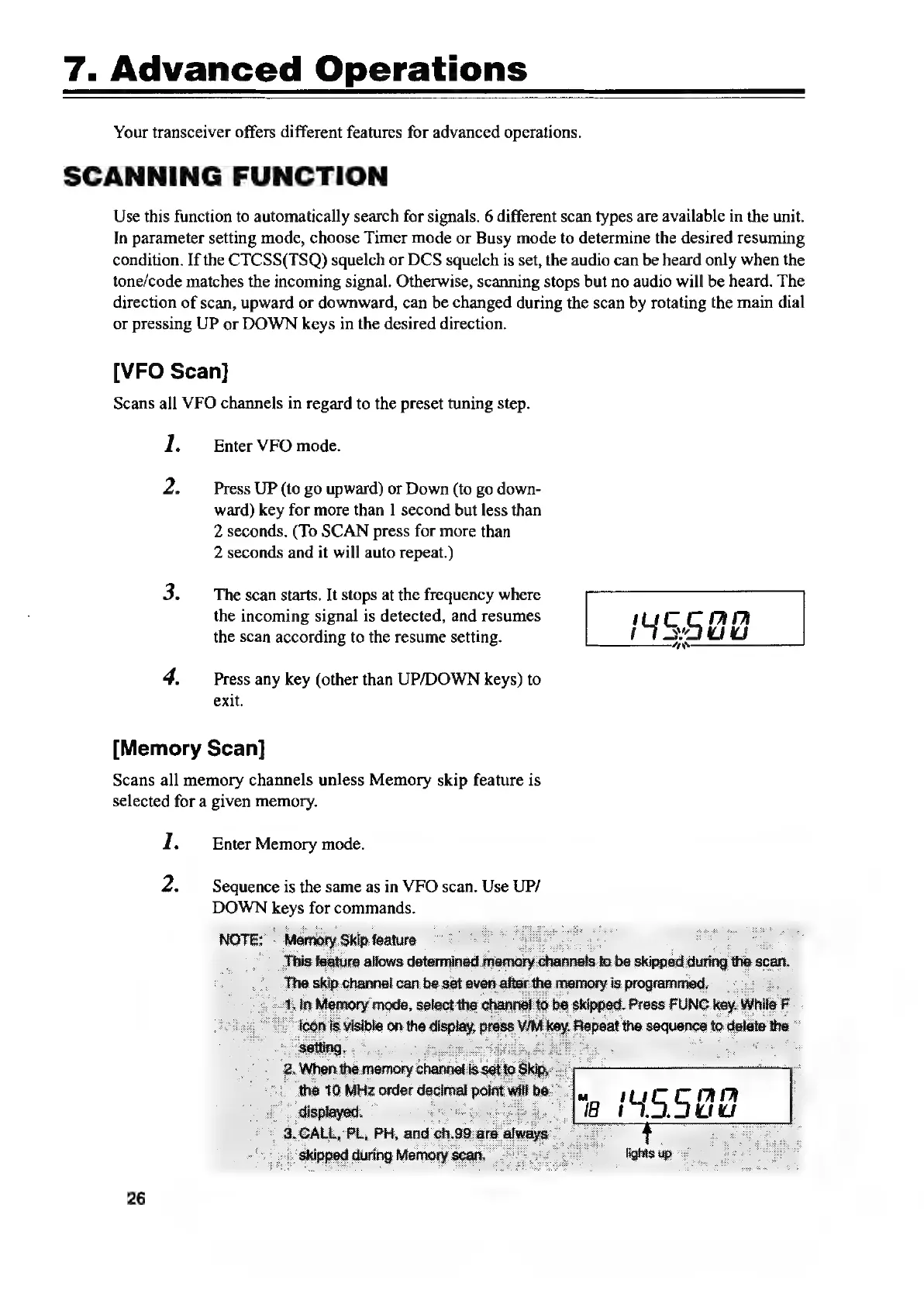
The
scan
starts,
It
stops
at
the
frequency
where
the
incoming
signal
is
detected,
and
resumes
mucCCMI
the
scan
according
to
the
resume
setting.
fisadund
4.
Press
any
key
(other
than
UP/DOWN
keys)
to
exit.
[Memory
Scan]
Scans
all
memory
channels
unless
Memory
skip
feature
is
selected
for
a
given
memory.
1.
Enter
Memory
mode.
2.
Sequence
is
the
same
as
in
VFO
scan.
Use
UP/
DOWN
keys
for
commands.
=
be
,
shinped
during
26

Other manuals for Alinco DR-435T

Related product manuals