EasyManua.ls Logo

Alinco DR-635T - User Manual

Alinco DR-635T
66 pages
Print Icon
To Next Page IconTo Next Page
Loading...
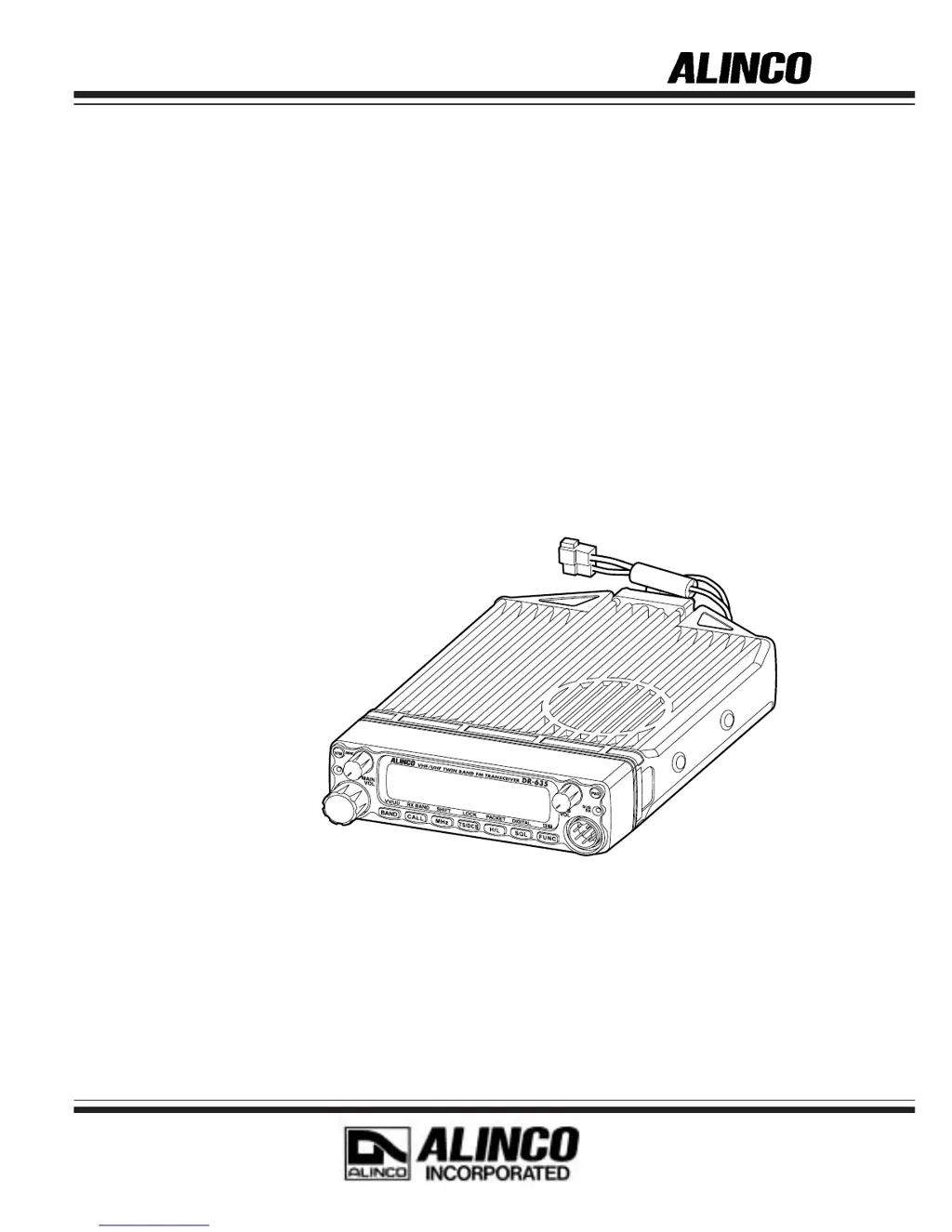
VHF/UHF FM TRANSCEIVER
DR-635T/E
Instruction Manual
Thank you for purchasing your new Alinco transceiver.
This instruction manual contains important safety and operating instructions. Please read this
manual carefully before using the product and keep it for future reference.

Table of Contents

Questions and Answers

  • K
    Kayla LinAug 15, 2025
    What to do if Alinco DR-635T Transceiver power is on, but nothing appears on the display?
    • L
      Lisa BrownAug 15, 2025
      If your Alinco Transceiver powers on but the display remains blank, there are several potential causes: * The polarities of the power connection might be reversed. Ensure the red lead and black lead of the DC power cable are correctly connected to the positive and negative terminals, respectively. * The fuse could be blown. Inspect the fuse, address the reason it blew, and replace it with a new fuse of the same rating. * The ACC power supply might be connected but turned off. Verify that the ACC power supply is switched on.
  • B
    Bryan PageAug 18, 2025
    Why does no sound come from the Alinco Transceiver speaker and the unit does not receive?
    • J
      Joseph BakerAug 18, 2025
      If you're not getting any sound from your Alinco Transceiver's speaker and the unit isn't receiving, consider these possibilities: * The volume knob may be turned too far counter-clockwise. Adjust the volume knob to an audible level. * The squelch might be muted. Decrease the squelch level. * Tone or DCS squelch could be active. Deactivate tone or DCS squelch. * The PTT key on the microphone may be pressed, causing transmission. Release the PTT key. * An external speaker might be connected. Disconnect the jack from the external speaker terminal.
  • M
    Mr. Tony LongAug 22, 2025
    What to do if the PTT key is pressed but transmission does not occur on Alinco Transceiver?
    • T
      Tina CookAug 22, 2025
      If you press the PTT key on your Alinco Transceiver but transmission doesn't happen, check the following: * Ensure the microphone terminal is properly inserted. * Verify the antenna is correctly connected. * Confirm that SHIFT is not set for OFF band transmission; cancel SHIFT or set it within the band. * Make sure the unit is not in SUB band reception mode; switch to the MAIN band.
  • K
    Kelly MackAug 25, 2025
    How to fix Alinco DR-635T Transceiver keys and dial if they do not function?
    • K
      Kevin PattersonAug 26, 2025
      If the keys and dial on your Alinco Transceiver are unresponsive, it might be due to the key-lock function being activated. If you see an indicator for key-lock function, cancel the key-lock function.
  • S
    Sara MartinAug 28, 2025
    What to do if rotating the dial will not change memory channel on Alinco DR-635T Transceiver?
    • F
      fadamsAug 28, 2025
      If rotating the dial on your Alinco Transceiver doesn't change the memory channel, check these two potential causes: * No memory may be programmed. Program memory into the device. * The unit might be in CALL mode. Press the V/M key to switch to memory mode.
  • B
    Brian TaylorAug 31, 2025
    Why pressing the UP/DOWN key will not change frequencies or memory channels on Alinco DR-635T Transceiver?
    • V
      vfloresAug 31, 2025
      If pressing the UP/DOWN key on your Alinco Transceiver doesn't change frequencies or memory channels, consider these possibilities: * The unit might be in CALL mode. Switch to VFO mode or memory mode. * The lock switch might be ON. Turn off the Lock switch. * The key-lock function could be activated. Cancel the key-lock function.
  • S
    Sean GarrisonSep 4, 2025
    What to do if packet communication does not function on Alinco DR-635T Transceiver?
    • J
      jeffrey98Sep 4, 2025
      If packet communication isn't working on your Alinco Transceiver, here are a few things to check: * Ensure the TNC is properly connected and configured. * Verify the unit is in packet mode. Switch to the packet mode. * Adjust the squelch level so that it opens upon receiving a signal. * Configure the data transmission speed using a PC. * Use a straight type PC cable.
  • E
    edwardsmichaelSep 7, 2025
    Why APRS does not function on Alinco DR-635T Transceiver?
    • B
      Billy ChungSep 7, 2025
      If APRS isn't functioning on your Alinco Transceiver, consider the following troubleshooting steps: * Ensure the unit is in packet mode. * Configure the unit for automatic transmission using a PC to set the transmission time separation. * Adjust the squelch level so that it opens upon receiving a signal. * Wait until the GPS receiver properly geolocates.
  • M
    Malik HayesSep 12, 2025
    How to fix too dim display on Alinco DR-635T?
    • C
      Carmen JonesSep 12, 2025
      To brighten a dim display on your Alinco Transceiver, set the dimmer setting to "LAMP 4."

Summary

Before operating the transceiver

Attention

Important safety precautions for transceiver operation.

Initial Installation

For a base station set up

Instructions for setting up the transceiver at a fixed location.

For a mobile station set up

Guidance for installing the transceiver in a vehicle.

Front Panel

Details on how to attach and detach the detachable front panel.

External power control function

Explains how to connect and use the ignition-key power control.

Part Names and Functions

Front Panel

Identifies and explains the functions of front panel controls and indicators.

Rear Panel

Identifies and explains the functions of rear panel connectors and components.

Display

Explains the various icons and indicators shown on the transceiver's display.

Basic Operations

Turning the unit on and off

Procedure for powering the transceiver on and off.

VFO mode

Operation mode for direct frequency tuning and setting adjustments.

Shift Direction and Offset frequency setting

Setting repeater offset frequencies and shift directions.

Memory Mode

Accessing and operating pre-programmed memory channels.

How to program memory channel (s)

Step-by-step guide to storing frequencies and settings.

To transmit

Procedure for sending audio signals via the transceiver.

Selecting transmission power

Adjusting the output power level for transmission.

Parameter Setting Mode

To use the parameter setting mode

Step-by-step guide to navigate and change radio settings.

Time-Out-Timer (TOT)

Setting a limit on continuous transmission time to prevent repeater lockout.

Busy-Channel-Lock-Out (BCLO)

Prohibiting transmission on an occupied channel.

Theft Alarm

Setting up the alarm to detect unauthorized removal.

Selective Communication

Tone-squelch (CTCSS) and DCS

Setting CTCSS tones or DCS codes for selective calling and squelch control.

Special Functions

THEFT ALARM

Alerts with a beep sound if the unit is removed improperly.

To connect, set and operate

Instructions for wiring and activating the theft alarm system.

Packet Communication

System for high-speed data communication using a personal computer.

Packet Mode Setting

Entering and configuring packet communication mode.

APRS

Automatic Packet/Position Reporting System for tracing mobile stations.

APRS Settings

Requirements and configuration for APRS operation (TNC, GPS, PC).

APRS operation

Detailed guide for setting up and operating APRS via PC software.

Remote Control Operation (EMS-57 Only)

Controlling the transceiver remotely using DTMF microphone keys.

Maintenance; Reference

Reset

Restoring all programmed contents to factory default settings.

Troubleshooting

Guide to diagnosing and resolving common transceiver problems.

XBR (Crossband Repeater) Mode (for the DR-635 T Only)

Alinco DR-635T Specifications

General IconGeneral
BrandAlinco
ModelDR-635T
CategoryTransceiver
LanguageEnglish

Related product manuals