32
Parameter Setting Mode
TX display color
This is to select the display illumination color during the trans-
mission.
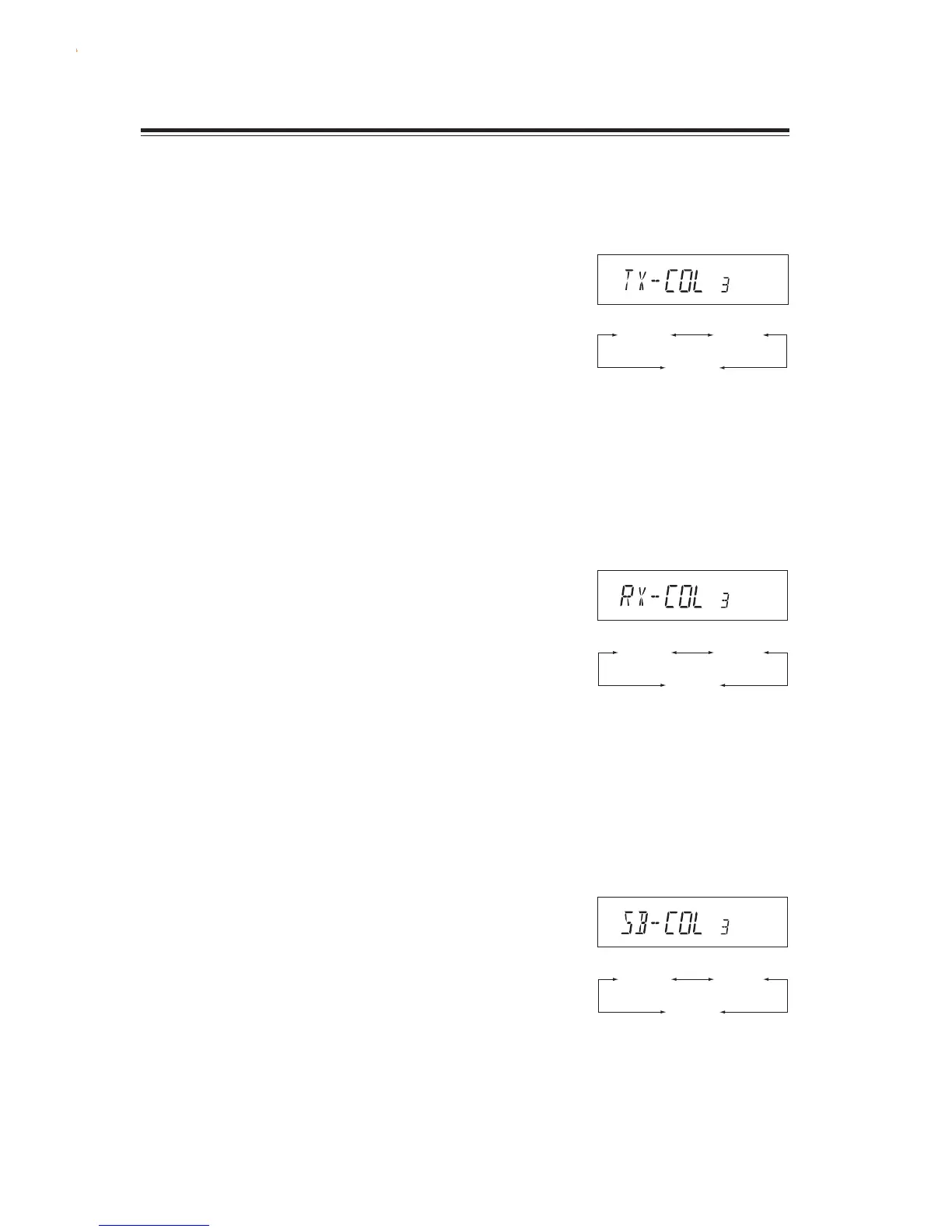
1. The [TX-COL] appears on the display.
2. By rotating the main dial, the display changes
as shown on the right and the illumination color
is changed.
TX-COL 1 : Red (amber)
TX-COL 2 : Blue
TX-COL 3 : Violet
(Refer page 27 for how to enter the setting mode.)
RX display color
This is to select the display illumination color while receiv-
ing.
1. The [RX-COL] appears on the display.
2. By rotating the main dial, the display changes
as shown on the right and the illumination color
is changed.
RX-COL 1 : Red (amber)
RX-COL 2 : Blue
RX-COL 3 : Violet
Stand-by display color
This is to select the display illumination color during the stand-
by status (listening but no signal is being received).
1. The [SB-COL] appears on the display.
2. By rotating the main dial, the display changes
as shown on the right and the illumination color
is changed.
SB-COL 1 : Red (amber)
SB-COL 2 : Blue
SB-COL 3 : Violet
TX-COL1 TX-COL2
TX-COL3
SB-COL1 SB-COL2
SB-COL3
RX-COL1 RX-COL2
RX-COL3



 To Next Page