Allen-Bradley Ethernet Driver
Setup
Communication Protocol
Allen-Bradley Ethernet
Supported Devices
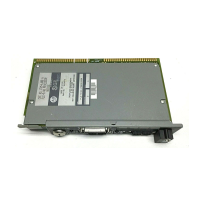
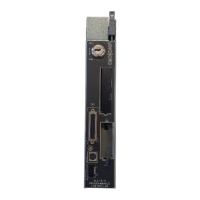
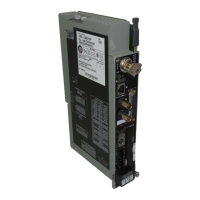
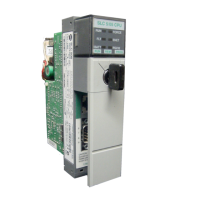
SLC 5/05 processor*
PLC-5 series (excluding the PLC-5/250 series)
SoftPLC
*Address ranges are open in the driver to allow for new devices. The driver may support a device even if it is
not listed above.
Channel Setup
The maximum number of channels supported is 256.
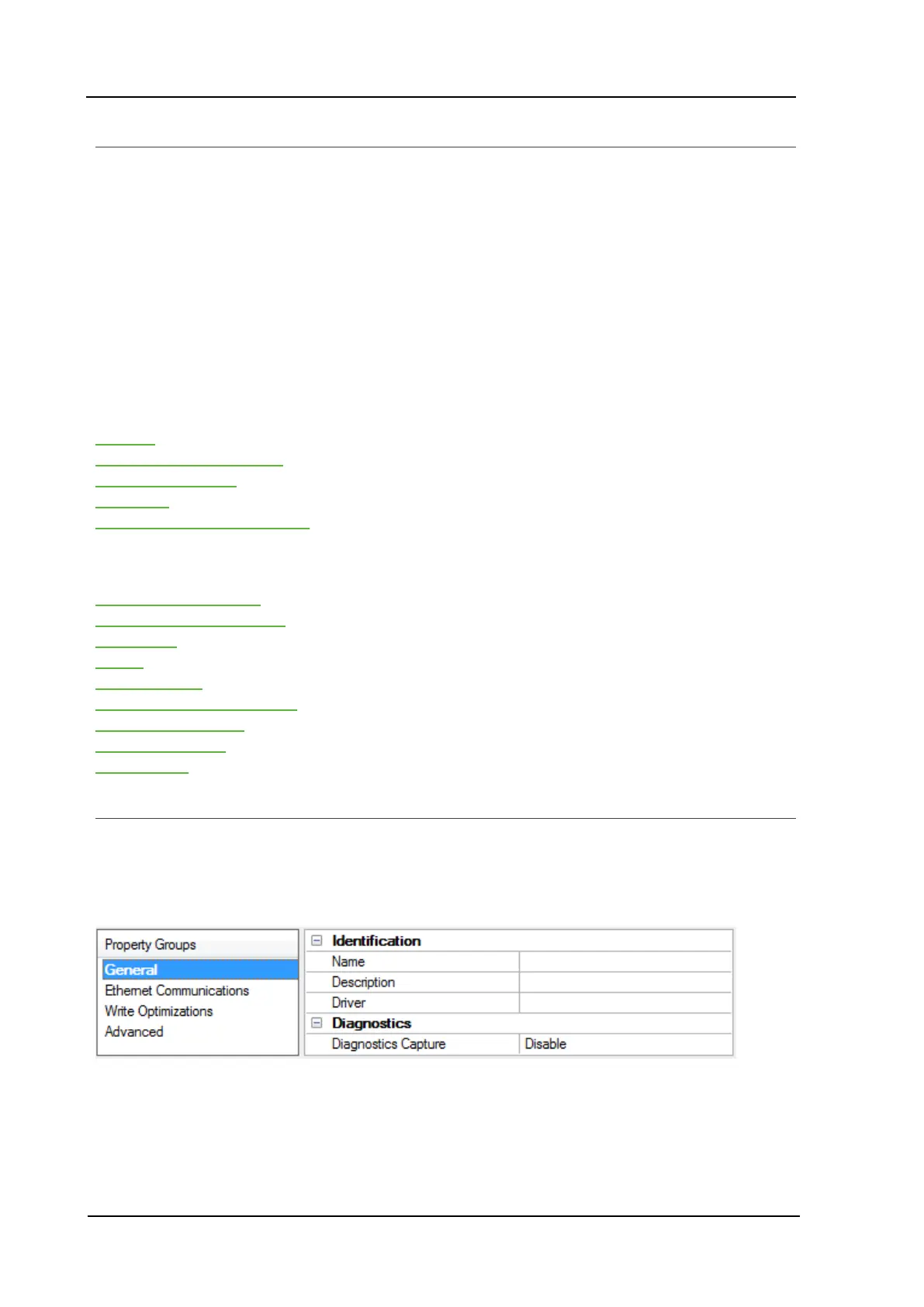
Channel setup includes configuration of the following property groups:
General
Ethernet Communications
Write Optimizations
Advanced
Communications Serialization
Device Setup
Device setup includes configuration of the following property groups:
General - Identification
General - Operating Mode
Scan Mode
Timing
Auto Demotion
Communication Parameters
Protocol Parameters
Slot Configuration
Redundancy
Channel Properties - General
This server supports the use of simultaneous multiple communications drivers. Each protocol or driver used in a
server project is called a channel. A server project may consist of many channels with the same com-
munications driver or with unique communications drivers. A channel acts as the basic building block of an
OPC link. This group is used to specify general channel properties, such as the identification attributes and
operating mode.
Identification
Name:User-defined identity of this channel. In each server project, each channel name must be unique.
Although names can be up to 256 characters, some client applications have a limited display window when
browsing the OPCserver's tag space. The channel name is part of the OPC browser information.
www. kepware.com
6



 To Next Page
 Loading...