Operating Instructions
Part No. 70458301ENR7
©
Copyright, Alliance Laundry Systems LLC - DO NOT COPY or TRANSMIT 121
The DMP has an 8 position DIP switch bank that is accessible
from the back of the control board. By switching these DIP
switches, it is possible for the operator to customize the display
and some of the operating features of the tumble dryer.
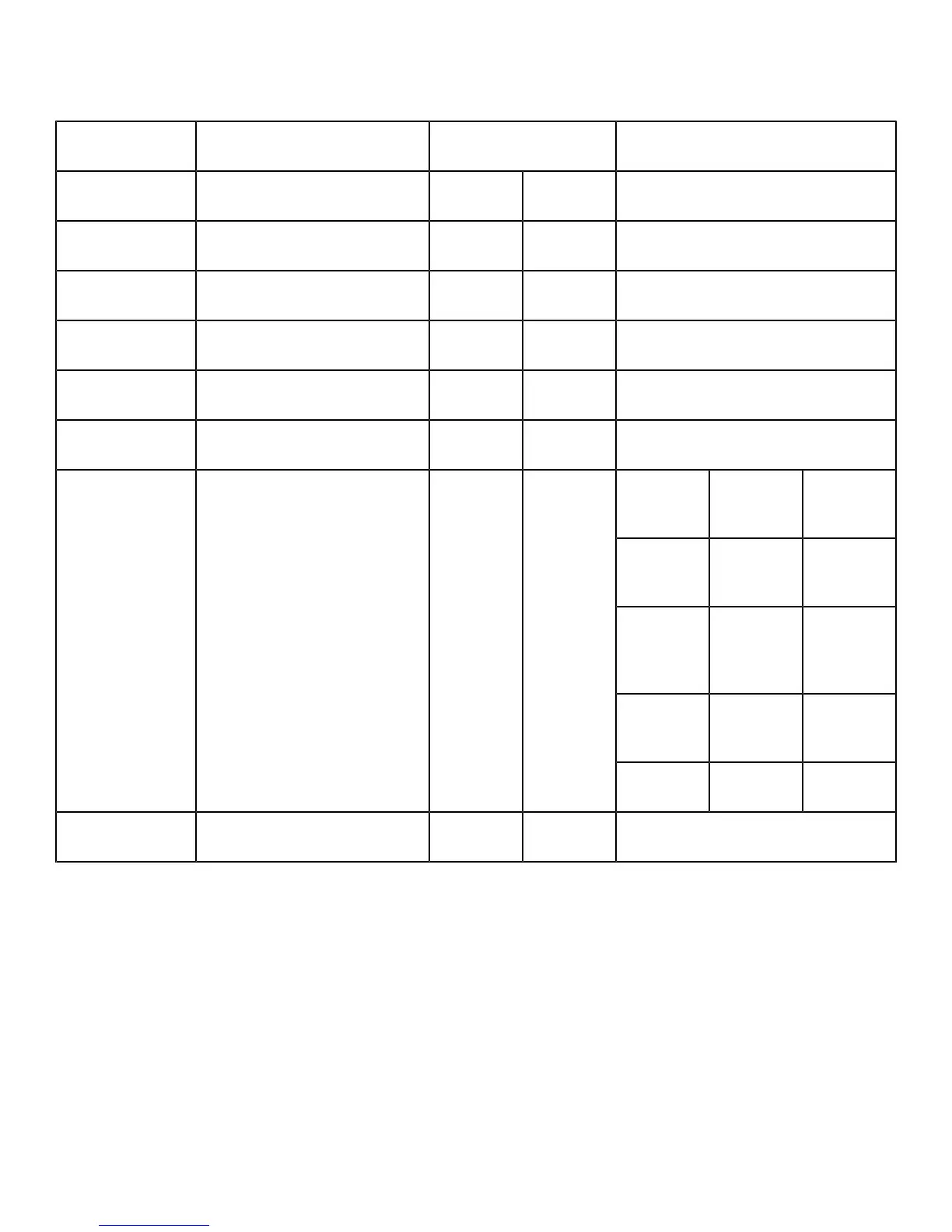
Function OPL Coin
1 Tumble dryer Type OFF ON OPL=Off; Coin=On
2 Temperature Units OFF OFF ºF=Off; ºC=On
3 Local/Remote Reversing ON ON Local=On; Remote=Off
4 Empty ON ON Always ON
5 Empty ON ON Always ON
6 Buzzer Timer ON ON 5 Sec=Off; Continuous=On
#1 #7 DIP
SWITCH
OFF ON SAFETY
TUMBLE
OFF OFF NO
SAFETY
TUMBLE
ON ON COIN
COUNT
7 Safety Tumble (OPL) or Coin
Count/Pay (Coin)
ON OFF
ON OFF PAY
8 Programming OFF OFF Disable=Off; Enable=On
Table 34 DIP Switch Settings
DIP Switch Functions Explained
1. Tumble dryer Type: This DIP switch selects the type of
tumble dryer, i.e., OPL or Coin.
2. Temperature Units: Selects ºF or ºC for the temperature
display. Factory setting is for ºF.
3. Local/Remote Reversing: Preset at the factory; usually for
local reversing. Remote reversing for use with Reversing
Timer Board only.
4. Empty: Preset at the factory; always ON.
5. Empty: Preset at the factory; always ON.
6. Buzzer Timer: This DIP switch determines the length of
time that the end of cycle buzzer will remain on. “OFF”
indicates that the buzzer will sound for 5 seconds when the
drying cycle is completed. “ON” indicates that the buzzer
will sound continuously until the STOP button is pressed or
the loading door is opened.
7. Safety Tumble (OPL) or Coin count/Pay (Coin): If DIP
switch #1 is set for OPL, then DIP switch #7 in the ON
position enables the safety tumble. If DIP switch #1 is set
for Coin, then DIP switch #7 in the ON position enables
the display of the coin count. DIP switch #7 in the OFF






 To Next Page