User Manual
Page 22
of 47
Printer
This pane will show you the printer that is connected to your ALL0239-3G.
Print Server
To use the print server on the ALL0239-3G, you need to accomplish the following tasks:
1. Install the printer drivers on the computer
2. Connect the printer to your ALL0239-3G.
3. Add a network printer
INSTALL THE PRINTER DRIVERS
Printers using the USB port come with a software installation CD for installing the printer
drivers and applications. The drivers for the printers must be installed on the computer first to prepare
it to use the printer when it’s connected to the ALL0239-3G. Refer to the printer’s documentation on
how to install the drivers.
ADD A NETWORK PRINTER
FOR WINDOWS XP
Before you continue, ensure that you have installed the printer’s driver on this computer and
the printer is attached to the ALL0239-3G.
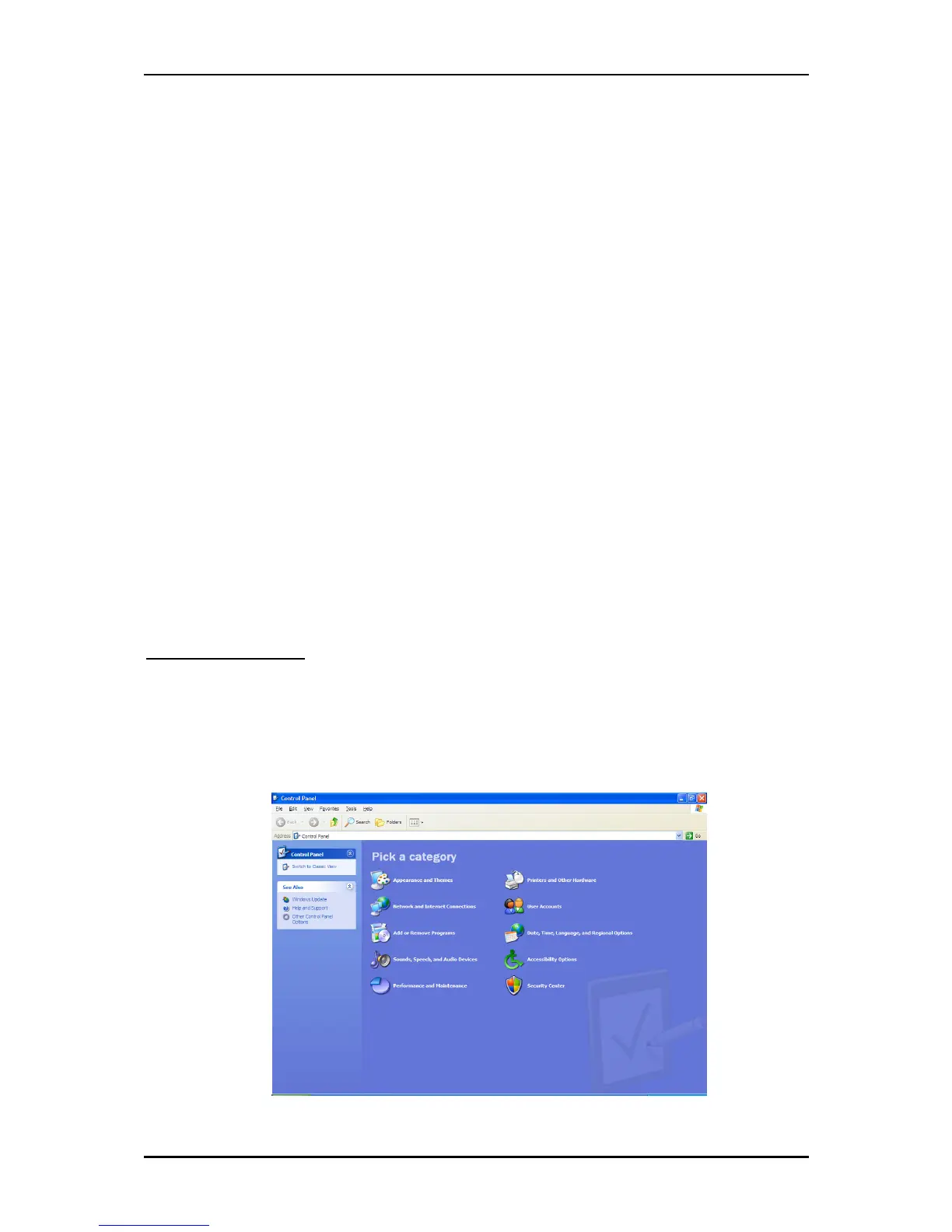
1. Click on the Start Button > Control Panel > Printers and Other Hardware > Printers and
Faxes.



 To Next Page