User Manual
Page 9
of 47
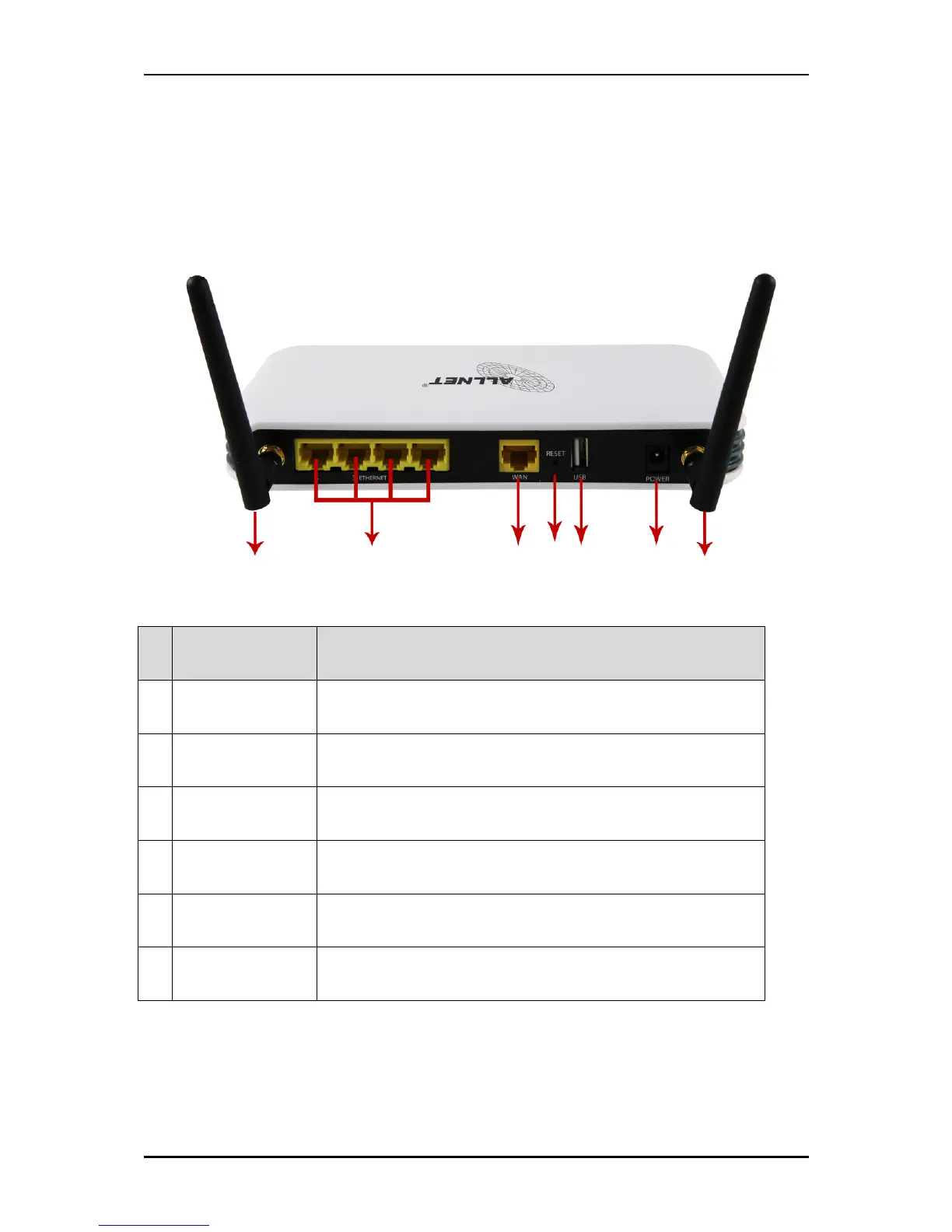
Back Panel
Label Description
A Ethernet Port 1-4 Connecting with computers/devices using an Ethernet cable
B WAN Connect to a modem using an Ethernet cable
C Reset Press for 3 seconds to reset to the Factory Default.
D USB Port
Connect to a 3G USB modem stick, USB storage,
printer and alike.
E Power Jack Use 12V 1.0A Power Adapter
F Antenna 1 and 2 Sending/Receiving wireless signals
F
B
A
D
F
C
E



 To Next Page