User Manual
Page 41
of 47
Note: All incoming access on your network is blocked. If you want to have an access within your
network from WAN please use Port Forwarding.
URL Filtering
This section allows you to control the access to a certain Websites on the Internet by entering
URL name on the required field.
1. Enter the domain name on the URL address field (www.xxx.com or www.xxx.net). Click Apply
for the settings to take effect.
DDNS (Dynamic DNS)
DDNS allows you to assign a fixed domain and host name to a dynamic Internet IP addresses.
2. Choose your DDNS service provider from the drop down box.
3. Enter the username of your DDNS account.
4. Enter the password of your DDNS account.
5. Enter the Domain Name that you received from the Dynamic DNS provider
(xxx.domainmame.com). Click Apply for the settings to take effect.
System
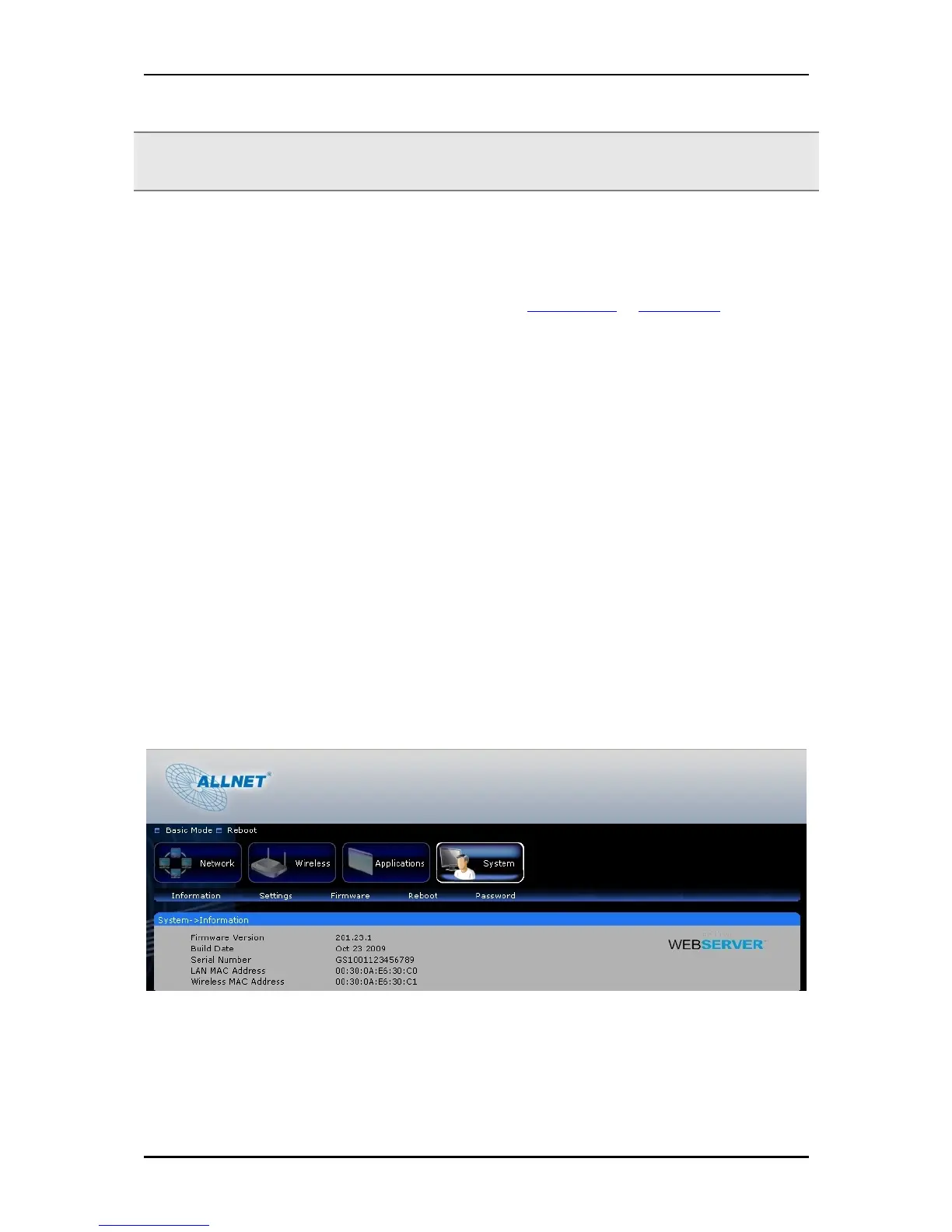
System Information
This section shows the current firmware information and the router’s MAC addresses.



 To Next Page