User Manual
Page 26
of 47
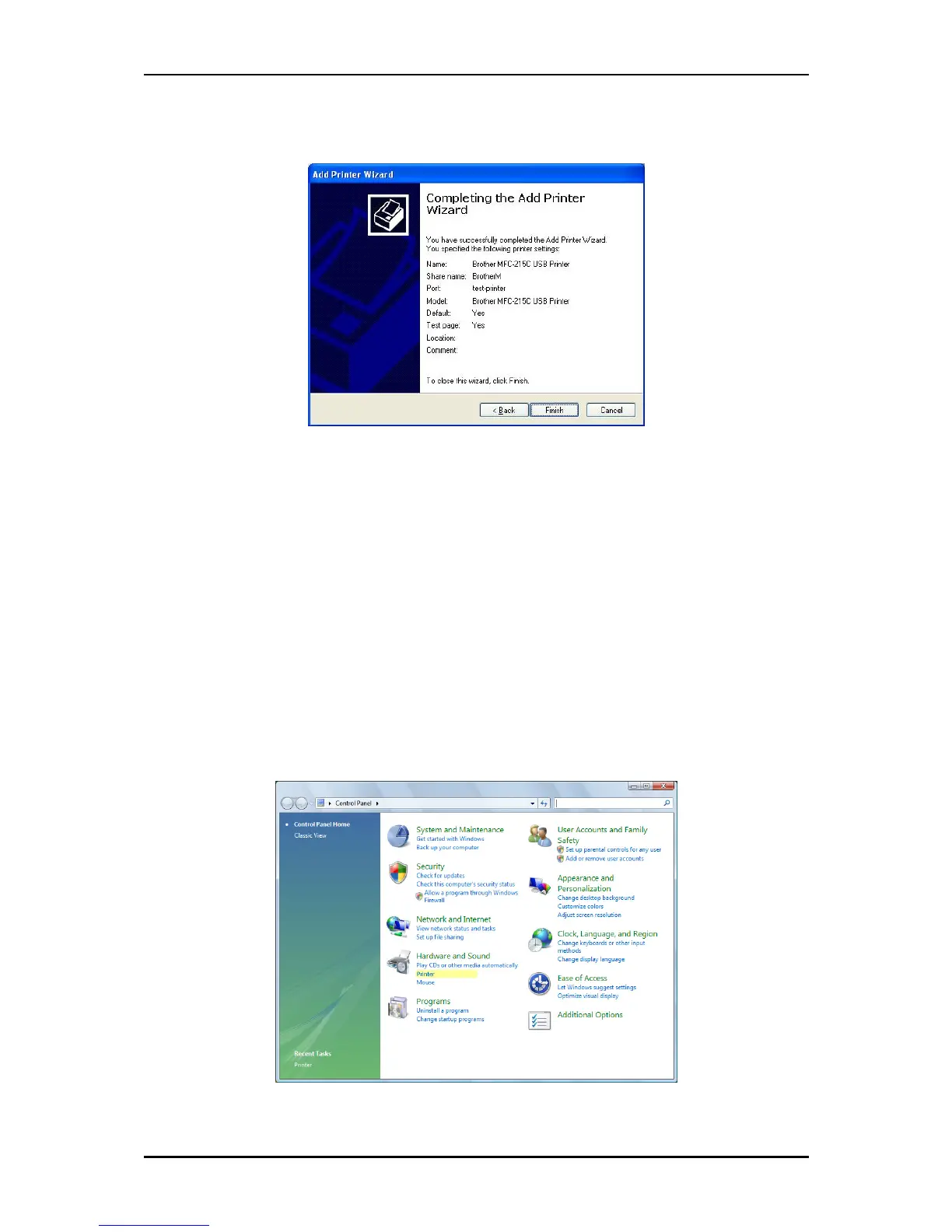
11. Click Finish to complete the installation.
PRINTING A TEST PAGE AFTER INSTALLATION
1. Open the Printers and Faxes page from Control Panel.
2. Right click on the new printer and click on Properties.
3. Click on the Print Test Page button on the Printer properties page, the test page will be
printed on the network printer.
FOR WINDOWS VISTA
1. Click on the Start Button> Control Panel.
2. Click Printer under the Hardware and Sound category.



 To Next Page