User Manual
Page 39
of 47
Security
This section allows you to set the wireless security setting of your network. Select the wireless
security that you would like to set on your ALL0239-3G on the drop down menu lists.
• None
Select this if you want your wireless security to be disabled, it is advisable to Enable your
wireless security to avoid unauthorized access to your network via wireless.
• WEP
Set the WEP key on the required field. This is the password that your ALL0239-3G will require
to connect to it via wireless.
WEP default key
You may choose from Hex to ASCII key format for your WEP key.
WEP Key 1-4
Select the WEP that you will use to establish a connection between the router and client.
Make sure that the WEP key will match on your wireless client’s side. Enter the password
in HEX (hexadecimal - using characters 0-9, A-F) or ASCII (alphanumeric characters)
format.
• WPA; WPA2; WPA/WPA2
Enter the password in the required field between 8-63 characters long.
• TKIP; AES; TKIP/AES
Choose the encryption that you would like to use. By default it is set to TKIP.
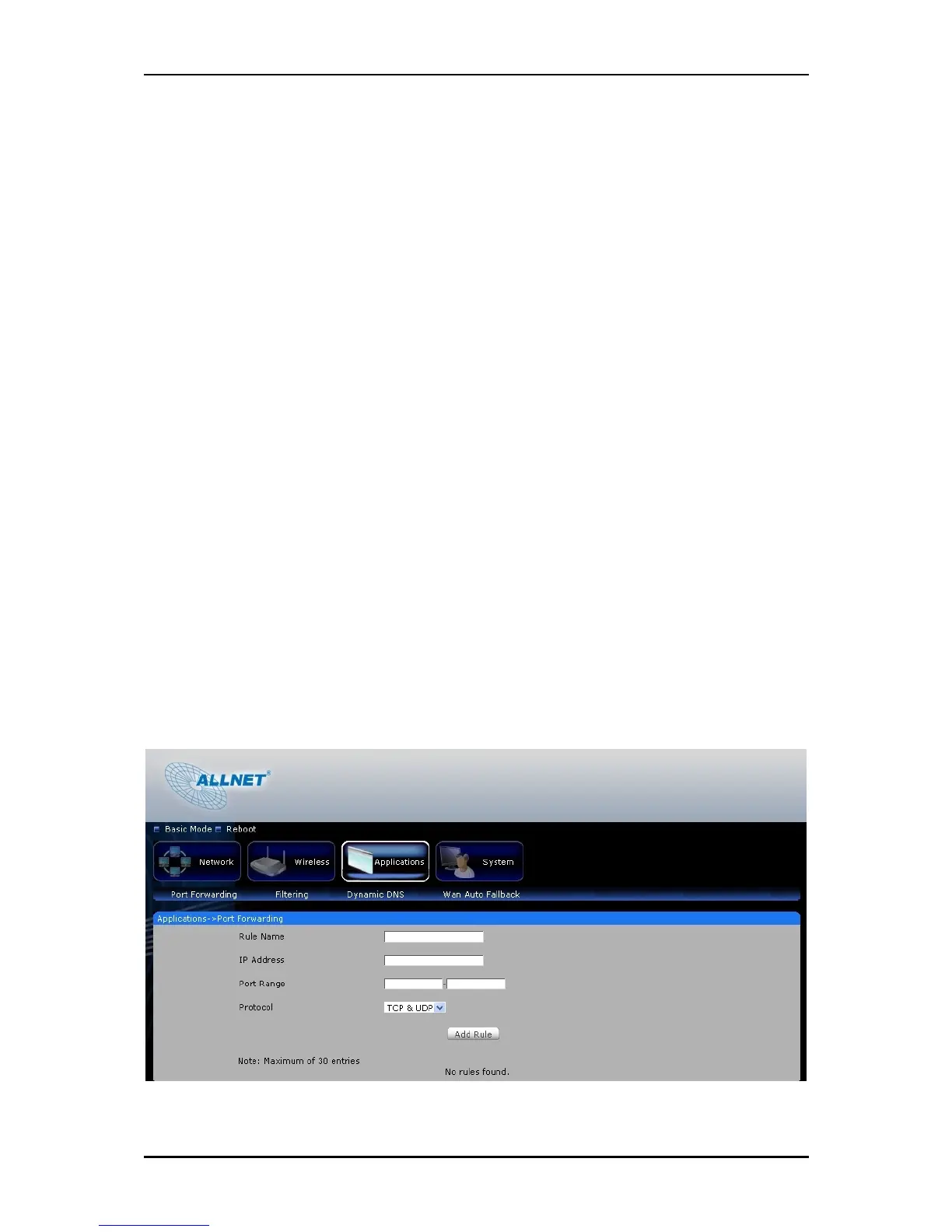
Applications



 To Next Page