User Manual
Page 34
of 47
Wireless
This section allows you to configure your basic wireless settings.
a.) Wireless Enabled - Uncheck the box to disable your wireless connection.
b.) Broadcast SSID Enabled - Uncheck the box to hide your ALL0239-3G wireless network
name.
c.) SSID - this is your ALL0239-3G wireless network name.
d.) WPA Enabled - tick the box if your want to enable your wireless security. This will ensure
wireless security on your network.
e.) Passphrase - Enter the password that is required by your ALL0239-3G to connect via
wireless.
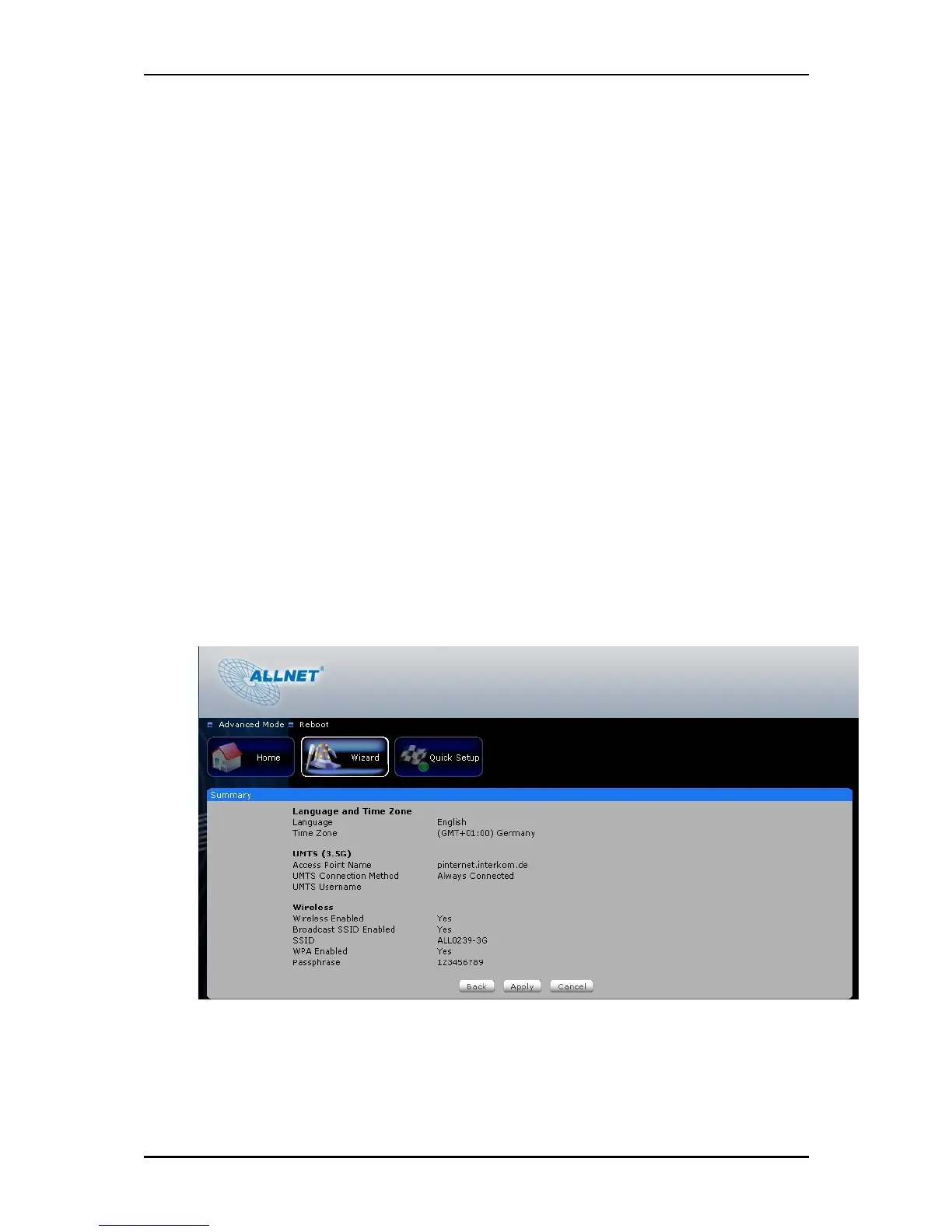
Summary
This section will display the entire configuration that was set on your ALL0239-3G.
1. Language and Time Zone
This pane displays the time that you set on your ALL0239-3G.
2. UMTS (WWAN)/WAN
This pane displays the Internet connection type that was set on your ALL0239-3G.
3. Wireless
This pane displays the basic settings of your ALL0239-3G wireless connection.
Click the Finish button for your settings to take effect.



 To Next Page