• Switching on remote control Enable remote control for read and write access to the device. The
rights are set in the User Settings tab.
• Slave fashion If "Slave Mode" is activated, all pages of the web interface are deactivated under
"Main Page" > "Overview". The menu item "Functions" is also hidden. The device can only be
controlled remotely.
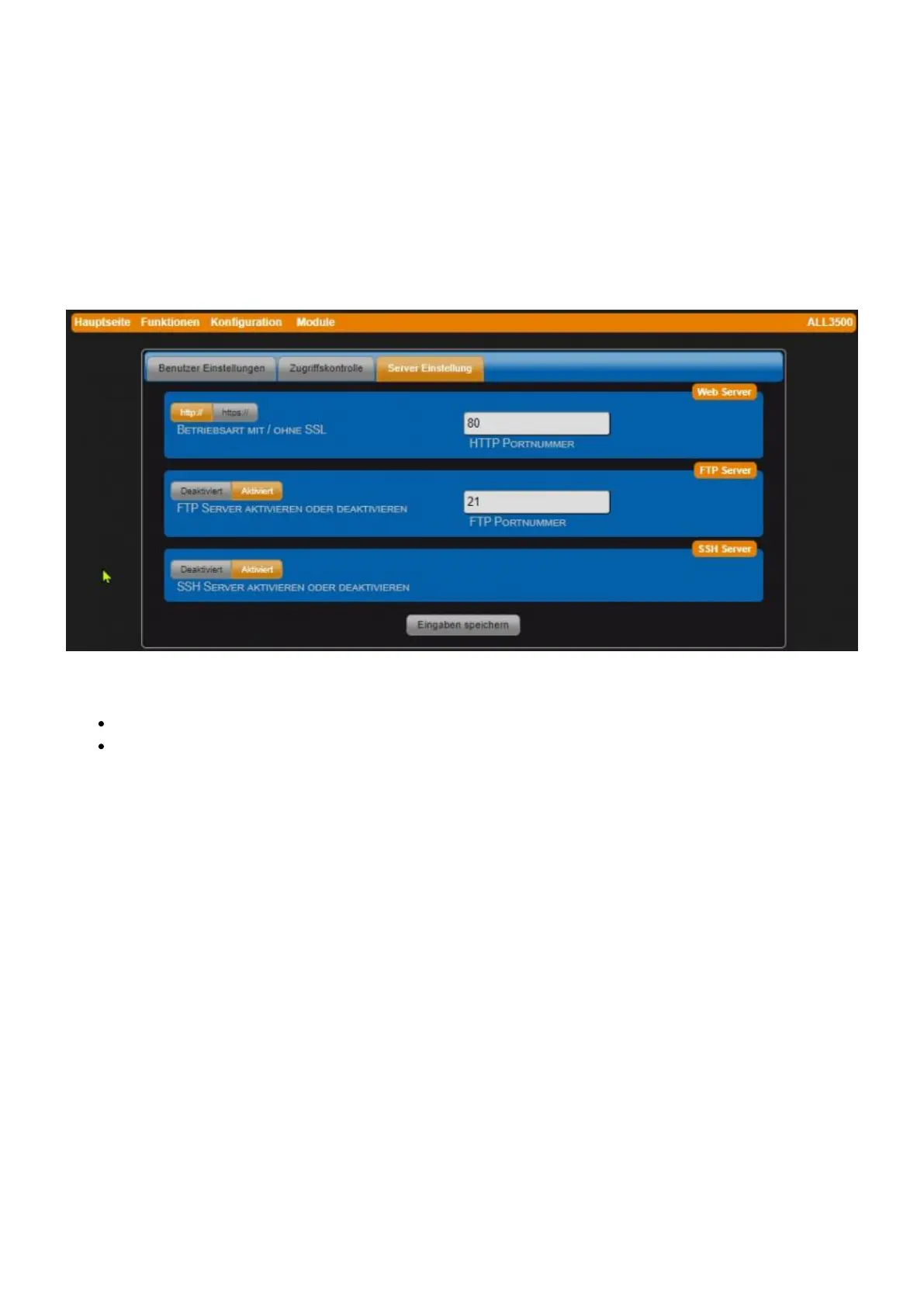
Server Settings tab
In this tab, access to the integrated server can be controlled via HTTP, FTP and SSH protocol.
• Operating mode with / without SSL
http:// (default: without encryption)
https:// (with SSL encryption)
• HTTP port number Default port numbers: http:// = 80 / https:// = 443
• Enable or disable FTP servers Default = disabled
• FTP port number FTP port number: 21 (default)
• Enable or disable SSH Server Default = disabled (SSH port number: 22).



 To Next Page