type "Surface":
Only appearance (view of the surface possible)
View & Evaluate (Question and evaluation of measured values and states possible)
View & Switch (Queries of measured values and states as well as switching actuators/outputs
possible)
View, switch & evaluate (Questions and evaluate measured values and states as well as
switching actuators/outputs possible) ––View, switch, evaluate & function (Question and
evaluate measured values and states as well as switching actuators/outputs, access to the
menu "Functions" is possible)
Administrator (administrator has full rights on the device) Rights for user type "Remote
Control":
Under "Main page" > "Overview" all pages of the web interface are deactivated. The menu
item "Functions" is also hidden. The device can only be controlled remotely.
Only view (requests of measured values and states possible)
View & Switch (Queries of measured values and states as well as switching actuators/outputs
possible)
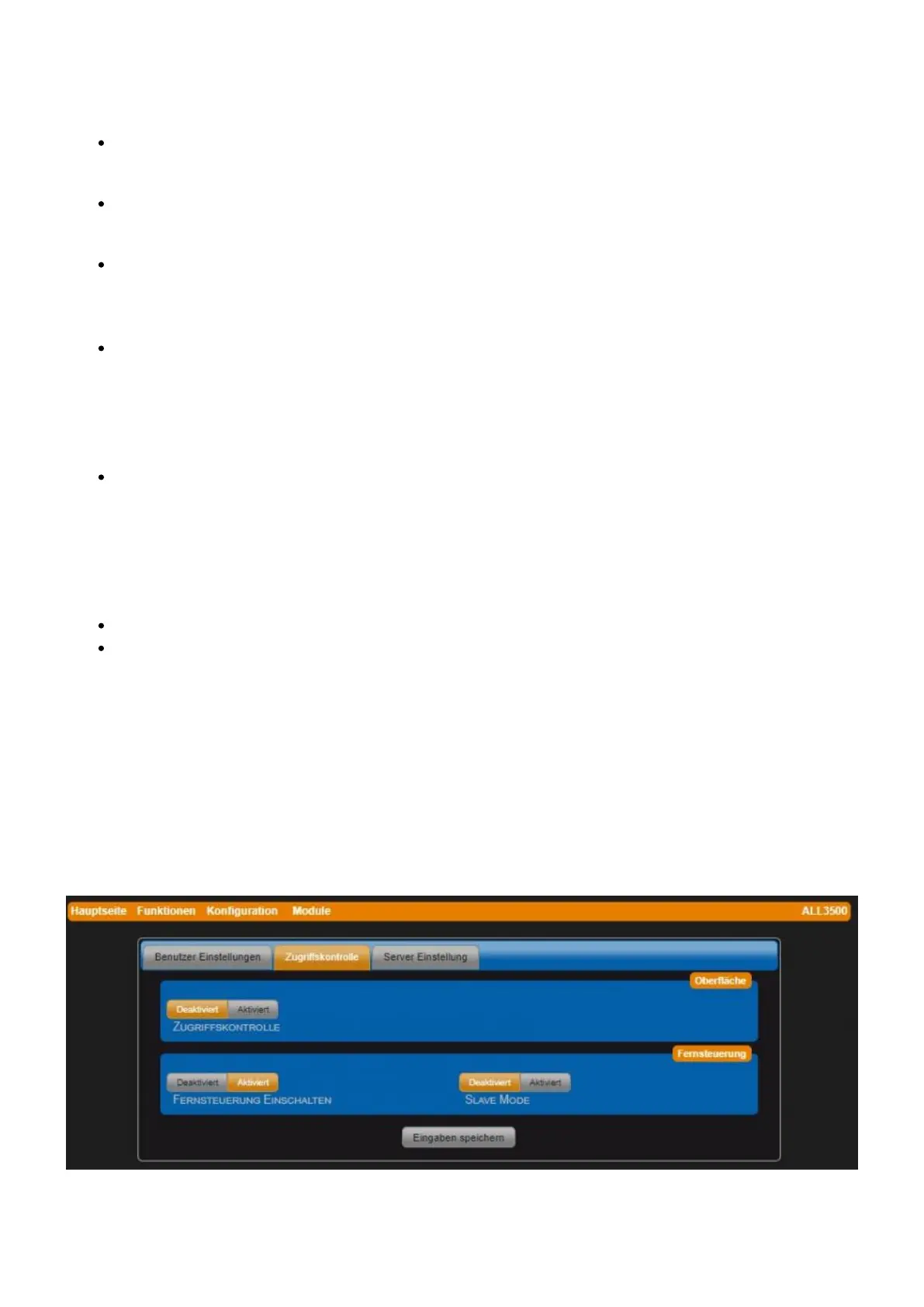
Access Control tab
The access to the web interface and the web pages with configuration options are defined via the
rights in the User Settings tab. To activate the access control for the interface, a user with
administrator rights must first be created.
If remote control is activated, HTTP GET commands from another system can query the values of
individual/all sensors and switch actuators/outputs.
• Access control In order to activate the access control for the interface, a user with administrator
rights must first be created.


 To Next Page
 Loading...