• Set default home page Here you can determine which of the sensor/actuator display pages
should be displayed in the browser when the device is first called up.
Note: Setting changes must always be confirmed with the "Apply" button.
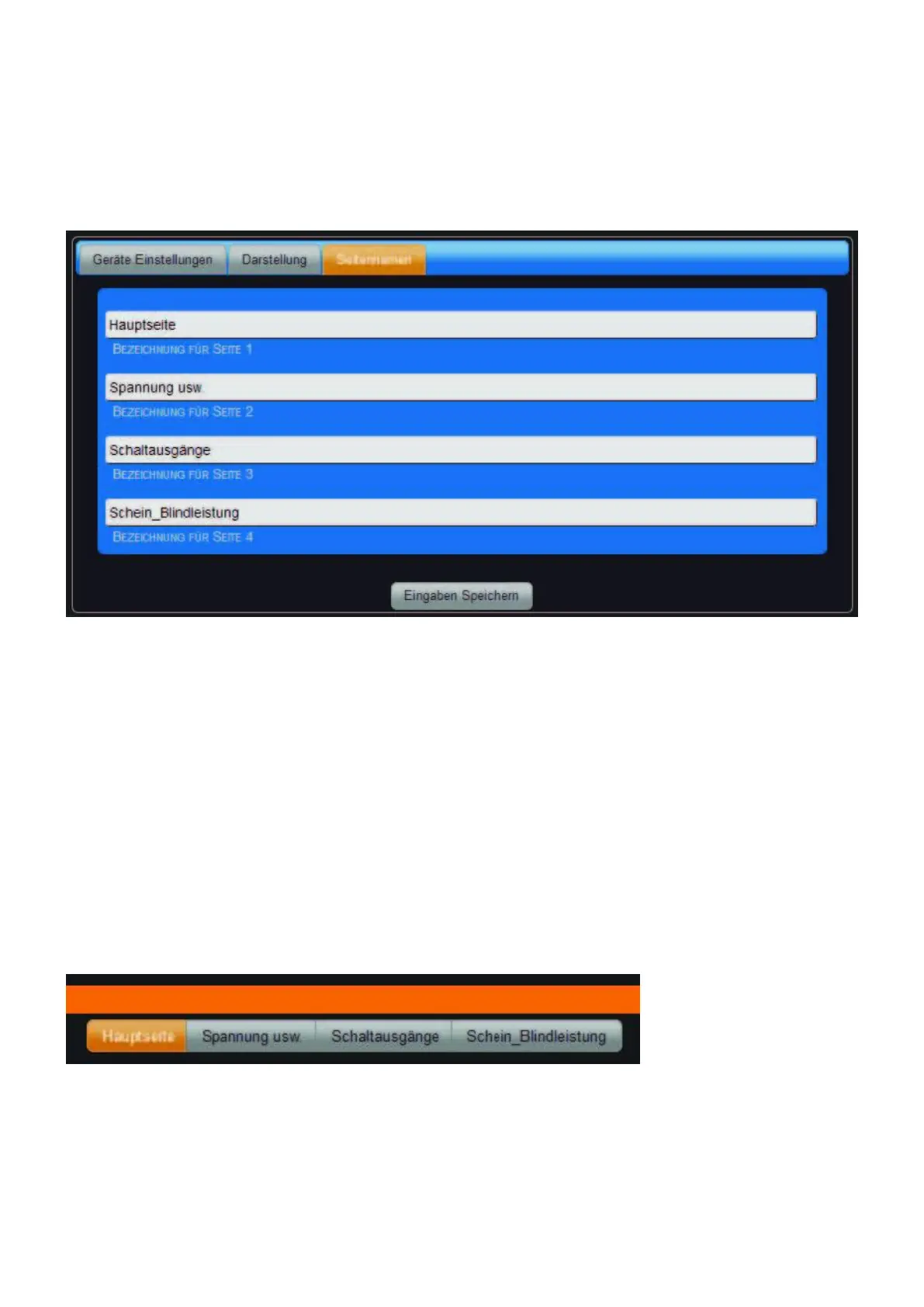
Page Name tab
Settings under "Configuration" > "Device Settings".
Here you can enter the page names for the display on the overview page.
• Name for page 1 Page name for page 1, max. 20 characters possible.
• Name for page 2 Page name for page 2, max. 20 characters possible.
• Name for page 3 page name for page 3, max. 20 characters possible.
• Name for page 4 page name for page 4, max. 20 characters possible.
Note: The number of fields for the page names depends on the setting in the tab "Display" under
"Number of pages for the display of the tiles". If only one page is selected there, the tab "Page
names" is not displayed. Display the page names on the overview page.



 To Next Page