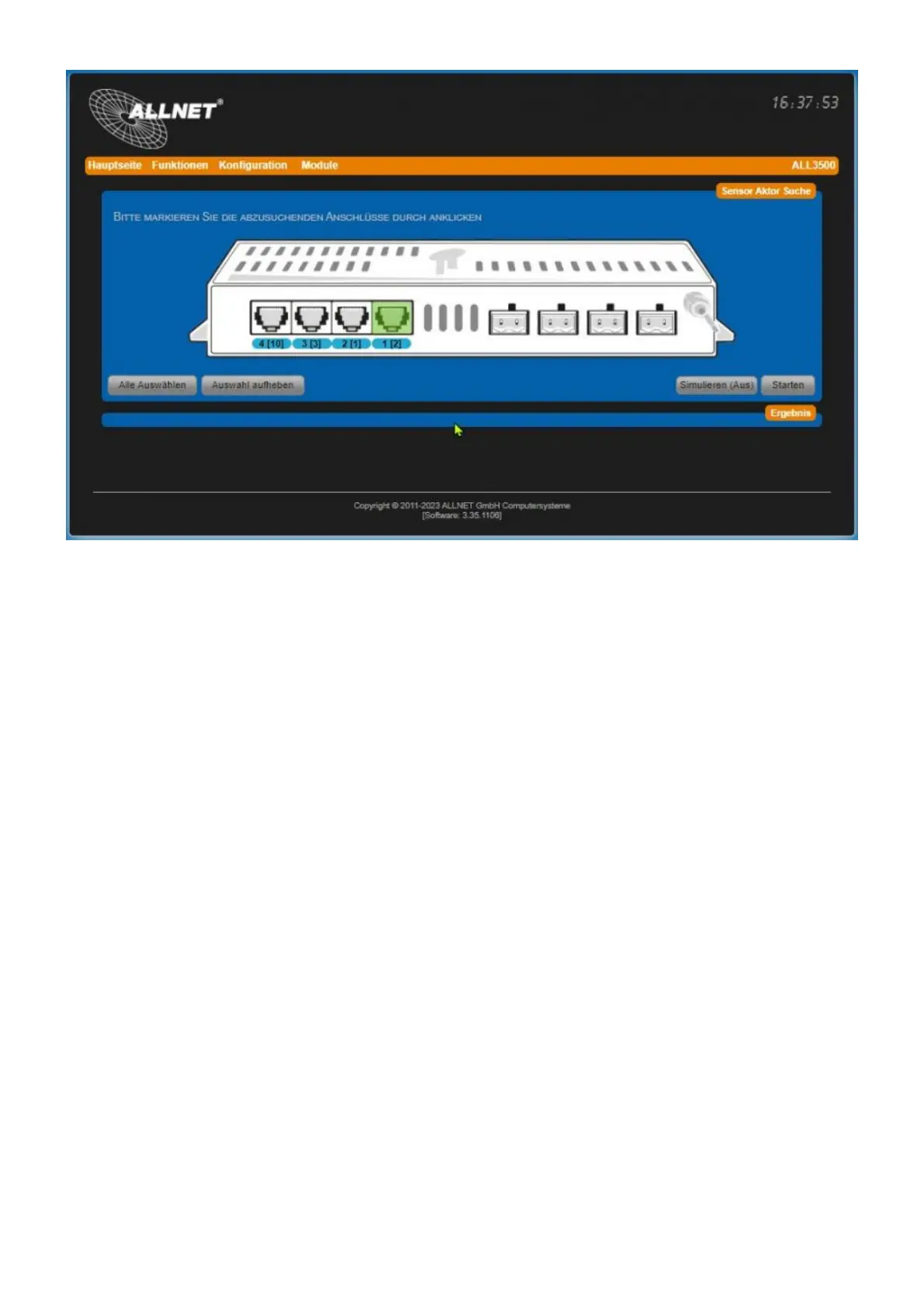
Add sensor/actor
Do as follows (pictures show ALL3500):
Select all ports: Click on the button "Select all" to include all I2C ports in the search.1.
Select a single port: If your device has only one I2C port or you know exactly which I2C port2.
your sensor/actuator is connected to, select the port with a mouse click.
All selected connections must now be marked green.3.
Simulate (on/off): Click the button "Simulate..." (one: button is orange) to run the sensor/actor4.
search in debug mode. The entire search for connected sensors/actors is performed. However,
the detected sensors/actors are not added to the main page.
In our case, we leave the simulation function disabled (default).



 To Next Page