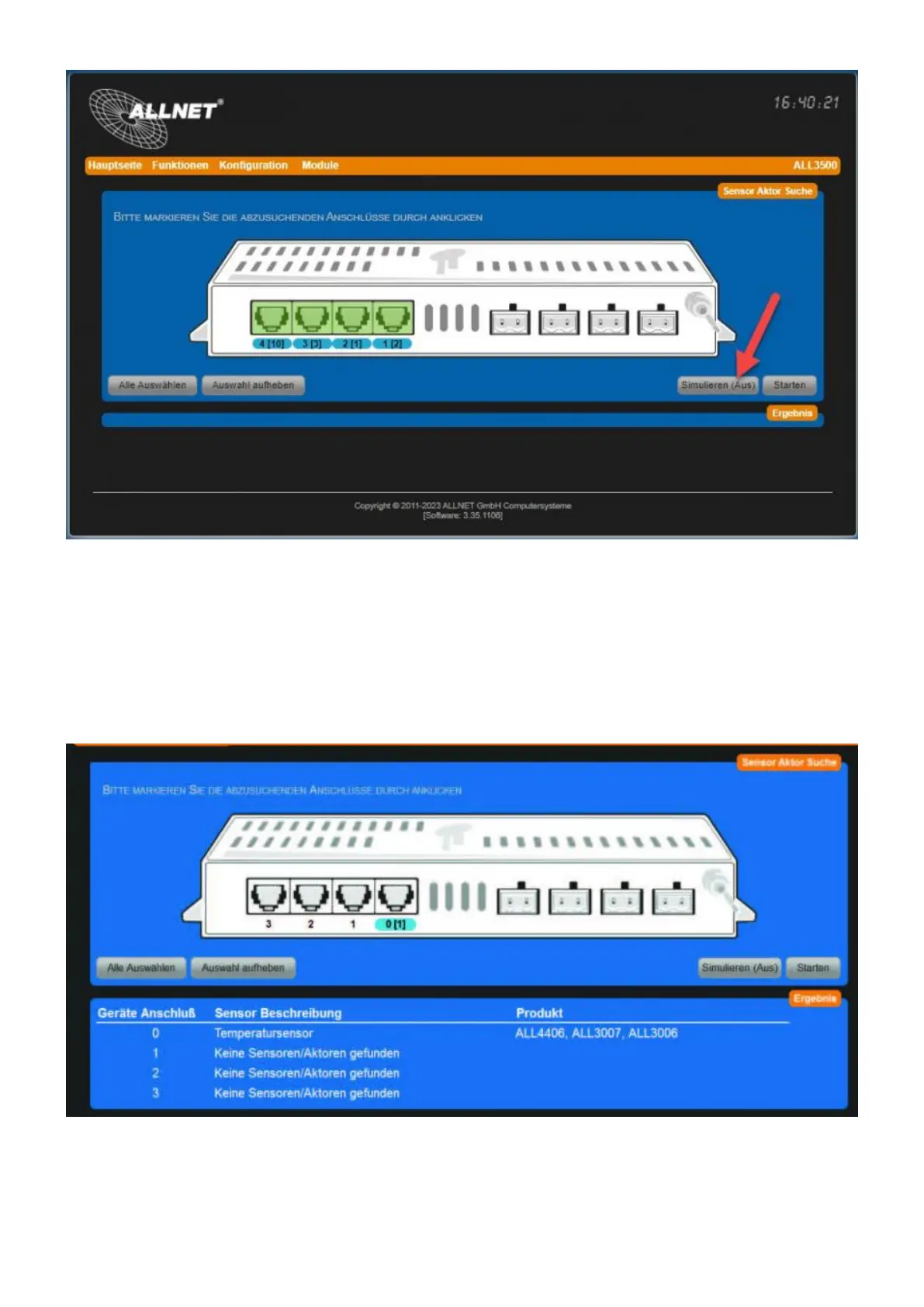
Start search: Now click on "Start". The search will be animated.5.
Search completed: At the end of the search all detected sensors/actors are listed under6.
"Result" with a short description. In square brackets is the number of sensors/actors
connected to this port.
Note: Sensors that have already been added to the main page will no longer be listed in a new
search. The message "No new sensors/actors found" will be displayed.
Sensor/Actor on the main page: In our example, the temperature sensor on the web interface7.



 To Next Page