Allworx Server User Guide Version 7.6
1-866-ALLWORX * 585-421-3850 Page 15
wwww.allworx.com
Revised: 11/25/13
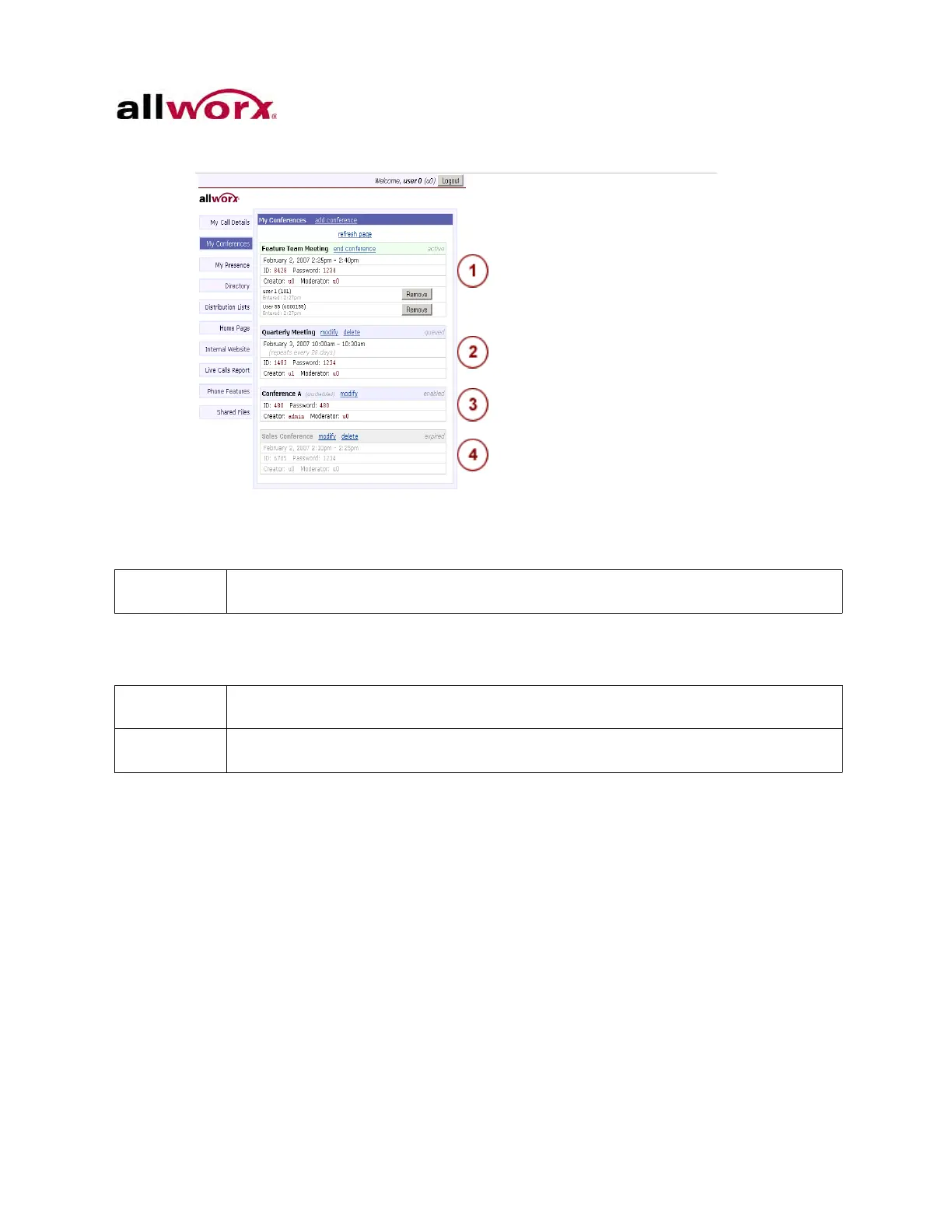
Figure 1: Conference Call Types
2.3.2 Scheduling a Conference
To schedule a conference:
1. Log in to My Allworx Manager.
2. Click the My Conferences tab. The My Conferences page displays.
3. Click the add conference link in the dialog box. The Add Conference dialog box
displays.
4. Update the fields in the dialog box.
The Allworx 6x and 6x12 servers enable one (1) active conference at a time. The
24x and 48x enable up to four (4) active conferences at the same time. The
The system automatically deletes all expired or canceled conferences older than 30 days
the next time the Allworx Server Administrator reboots the server.
If the Allworx Server Administrator did not purchase or install the Conference Center, this
option does not display on the My Conferences tab.
The Allworx Server Administrator must enable permission for the user to schedule a
conference.



 To Next Page