Allworx Server User Guide Version 7.6
1-866-ALLWORX * 585-421-3850 Page 21
wwww.allworx.com
Revised: 11/25/13
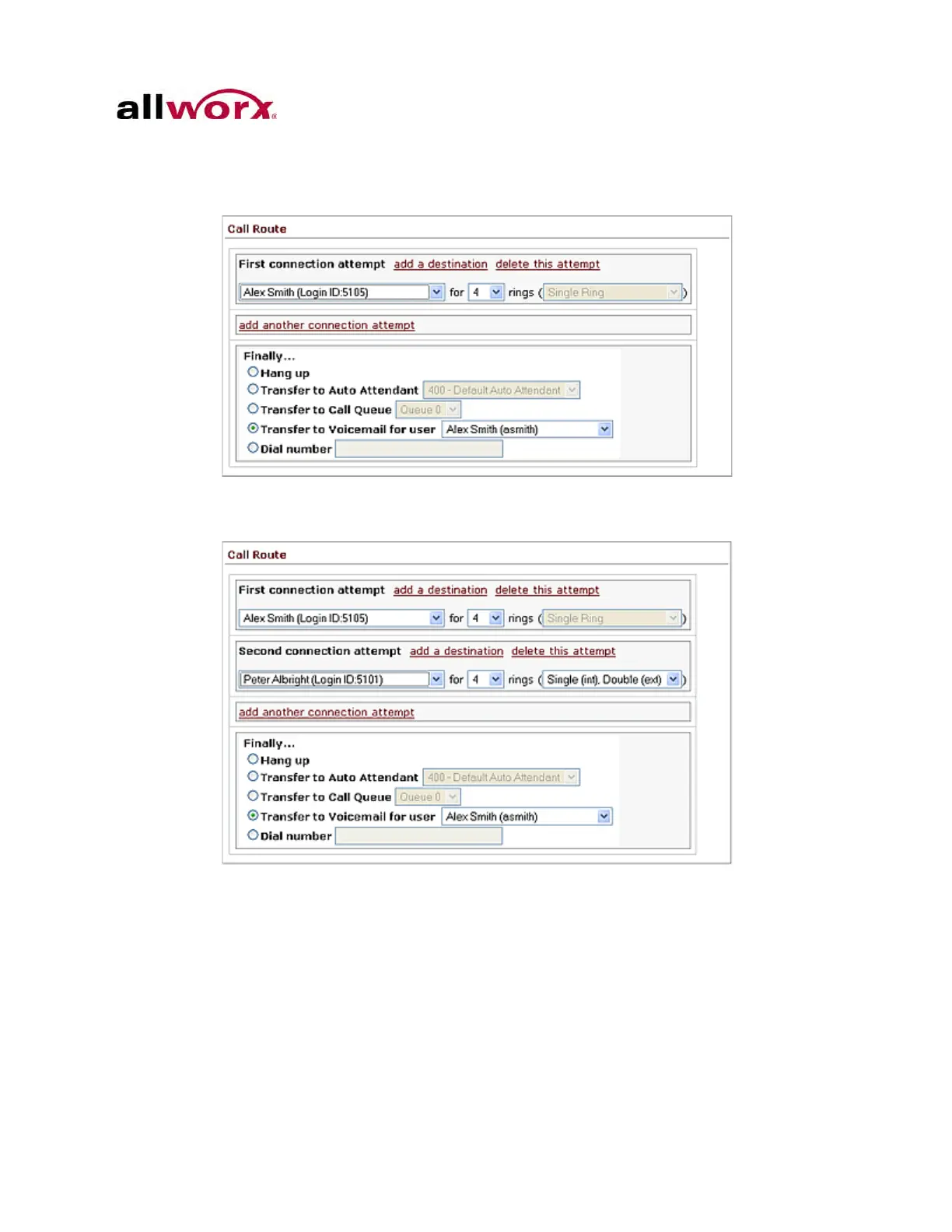
2. Locate the First connection attempt section, and click the add another
connection attempt link. This creates another connection attempt section (ex:
Second, Third, etc).
3. Configure the connection attempt using the options discussed in previous
sections.
4. Click the Update Call Route button to save the changes.
2.4.1 On-Busy Routing
To avoid having callers hear a busy signal, configure an alternate On Busy call route.
1. Repeat the To configure the Basic Routing section. After the main My Extensions
page displays, click the Modify link of the presence call route.



 To Next Page