Allworx Server User Guide Version 7.6
Page 20 1-866-ALLWORX * 585-421-3850
wwww.allworx.com
Revised: 11/25/13
To change the current presence after configuring the call routes, click the My Presence
tab. Select the appropriate presence, and then click the Update button.
To configure the Call Routing for Multiple Destinations:
1. Repeat To configure the Basic Routing through Step 6.
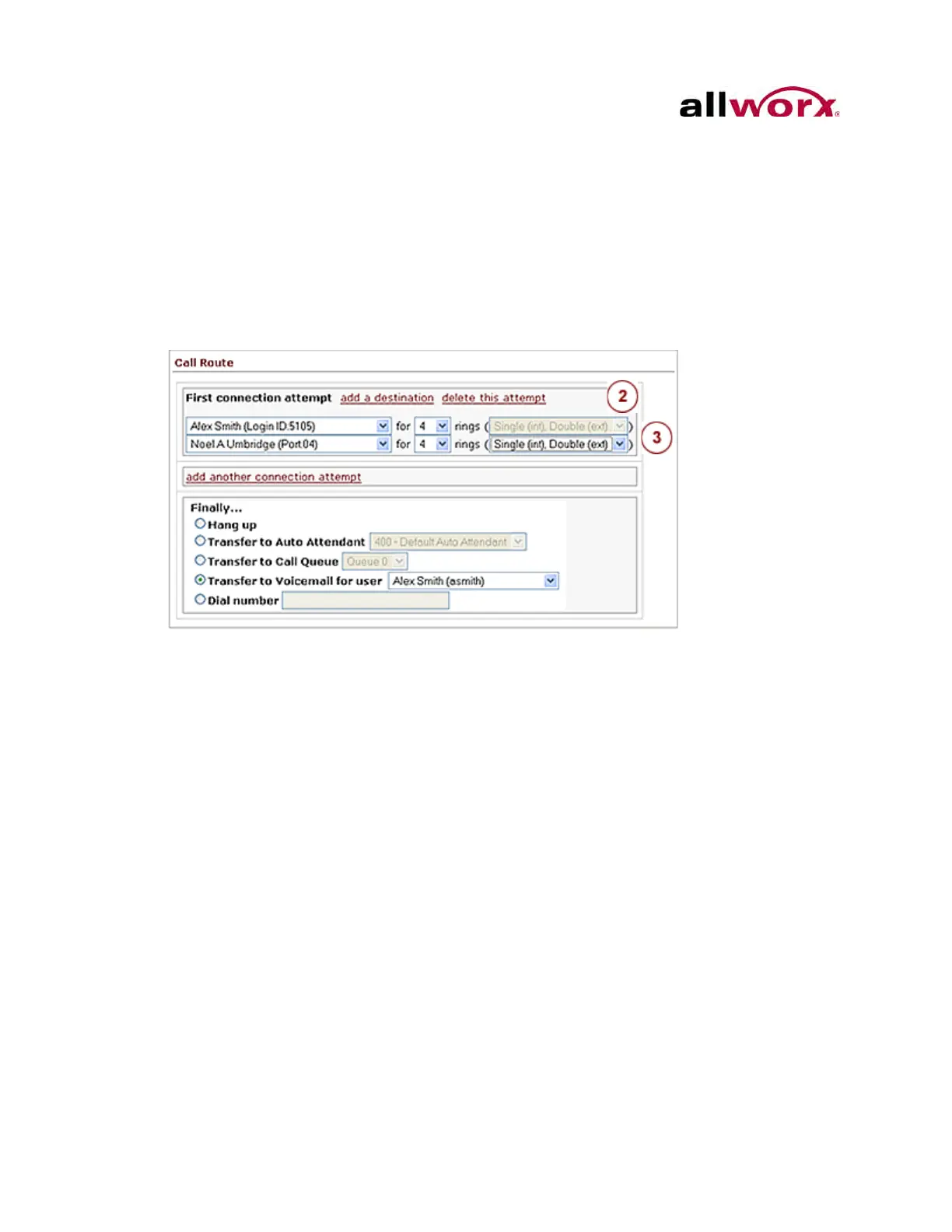
2. Locate the connection attempt, and click the add a destination link. This adds
another destination drop-down list.
3. Select the drop-down arrow and select an additional phone to ring simultaneously
with the original phone.
4. Repeat the steps 1 and 2 to add more phones to ring simultaneously for the
connection attempt.
5. Click the Update Call Route to save changes.
To configure Multiple Connection Attempts:
Multiple connection attempts identify alternate phones to ring when there is no answer
on the handset(s) in the First connection attempt.
1. Repeat To configure the Call Routing for Multiple Destinations through Step 5.



 To Next Page